They traded seats somewhere between two shots
01What jumps
Where things are is the first thing to go
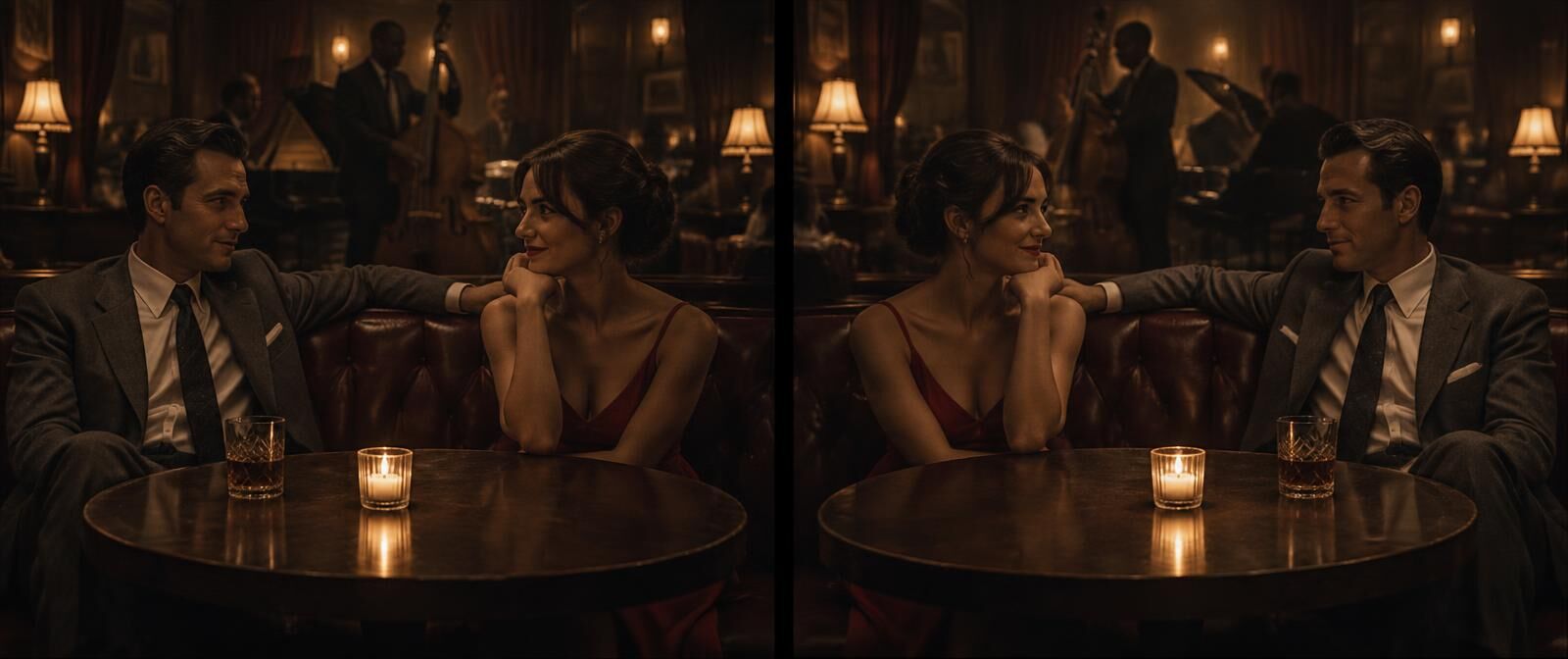 Shot 03 · 0:11Shot 06 · 0:24
- People who swap sides
- She was on the left of the booth. After the cut she is on the right, and so is everything she was holding.
- Props that hop
- A glass, a phone, a record. Left hand, right hand, left side of the table, right side.
- Screen direction
- Walking left to right, then right to left, in what is meant to be the same walk.
- Eyelines
- Two people in a conversation who both look camera left, so they seem to talk past each other.
- Counts
- Two glasses on the table become three, then one.
02A real one
Found on the first read. Harder to fix.
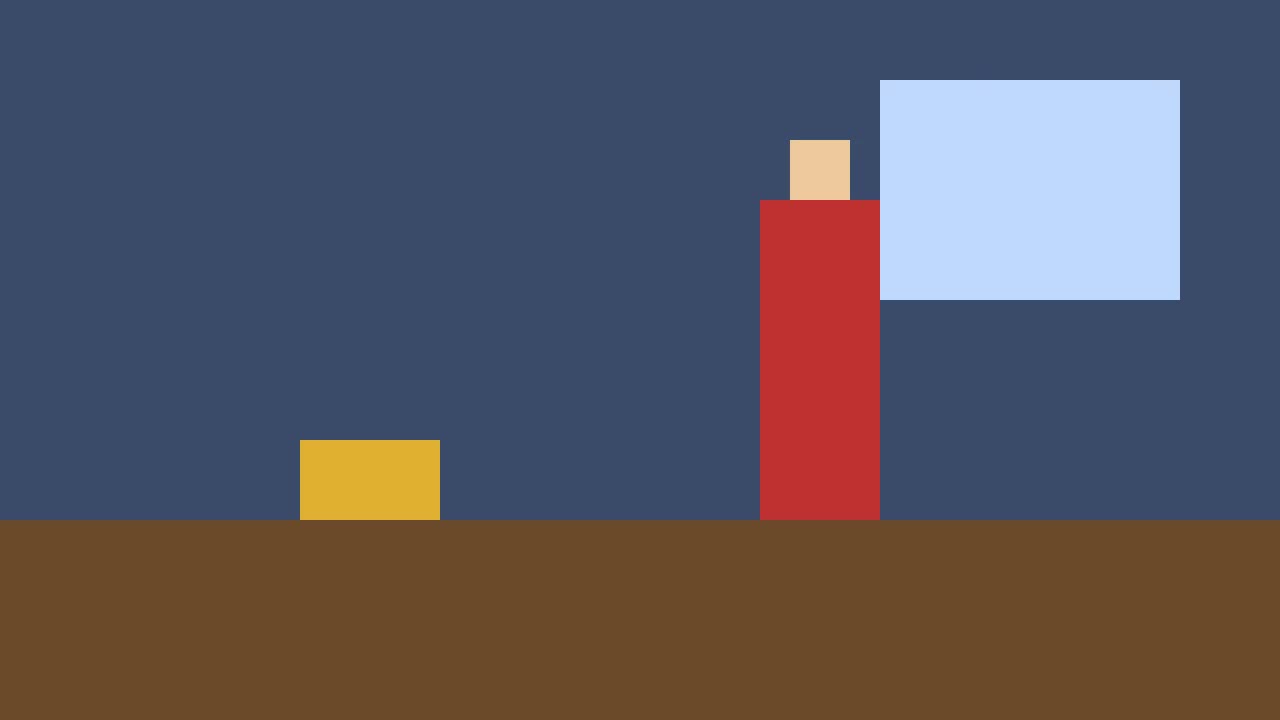
Reference · Shot 1 · 0:00.5In the reference the figure stands on the right by the window and the box sits on the left.
The first draft redrew the shot and kept the figure on the left. Moving things is a much bigger edit than repainting them, because the whole shot has to be rebuilt around where people stand.
That is the reason every fix starts with a low-res draft. You see the miss before you take the full-quality file, press It didn't work or Try again, and the written fix is still there for a redo by hand using the steps below.
Shot 5, 0:16.0 to 0:20.0. The red figure is positioned on the left side of the room instead of on the right side where it was established. Match it back to shot 1 at 0:00.5, using that frame as the reference. Everything else in the shot stays as it is.
03How to fix it
Six ways to put things back where they were
- 01
Take the reference from the establishing shot
The first shot where you can see who stands where. That layout is the rule for the rest of the scene unless someone visibly moves.
- 02
Describe the layout left to right
In screen terms, from the camera. The figure stands right of the window. The box sits on the floor at the left. Models follow left and right better than they follow stage directions.
- 03
Start the redo from the reference frame
Where your tool allows it, use the reference as the first frame of the new shot, so the layout is fixed before anything starts to move.
- 04
For screen direction only, try a flip
If the only problem is which way someone walks, mirroring the shot can save it. Check for text, logos, a watch or a hair parting that would give the flip away.
- 05
Check against the reference and the next shot
A position fix has to agree with the shot before it and the shot after it. Play all three.
- 06
If it keeps missing, cut around it
Use a different take, a closer framing where the layout cannot be judged, or a cutaway. Sometimes the cheapest fix is a shot that does not show the table.
04Or press the button
Catch it first, then decide how to fix it
VideoConsistency gives the staging its own read, separate from the faces. It follows who is left of whom, which way each person faces, what sits where and how many of each thing there are, across the whole video. Every position break gets the two frames and a fix written in left and right.
Fix this shot sends that fix and the reference frame to one of the best frontier video editing models. When the draft gets it right, you take it. When it does not, you have lost a couple of minutes and know exactly which shot to redo.
Shot fixing is in its last round of testing and switches on for plan holders next. Finding the breaks and the written fixes work today.
05Questions
Common questions
Why do objects move between shots in AI video?
Each shot is generated separately, and position is the thing a prompt describes worst. The model knows there is a glass on the table. It does not know which side of the table it was on two shots ago.
What is the 180-degree rule and why do AI videos break it?
It is the film rule that keeps the camera on one side of the action, so left stays left. A generator has no idea where the camera was in the last shot, so it happily jumps the line and two people in a conversation end up swapping sides of the frame.
How do I fix two characters who swap sides?
Redo the shot from the establishing frame, and describe the layout left to right from the camera's point of view. If the redraw keeps them swapped, start it from the reference frame, or cut to a framing where the layout cannot be judged.
Can I flip a shot to fix screen direction?
Often, yes. Mirroring fixes direction in one move. It also mirrors text, logos, watches and hair partings, so check for those, and check that the person still looks like themselves, since faces are not quite symmetrical.
Does VideoConsistency catch position breaks?
Yes. A separate read follows only the staging and the room: who is left of whom, which way they face, what sits where and how many of each thing there are. Each break comes back with two frames, a timecode and a written fix.
Keep reading
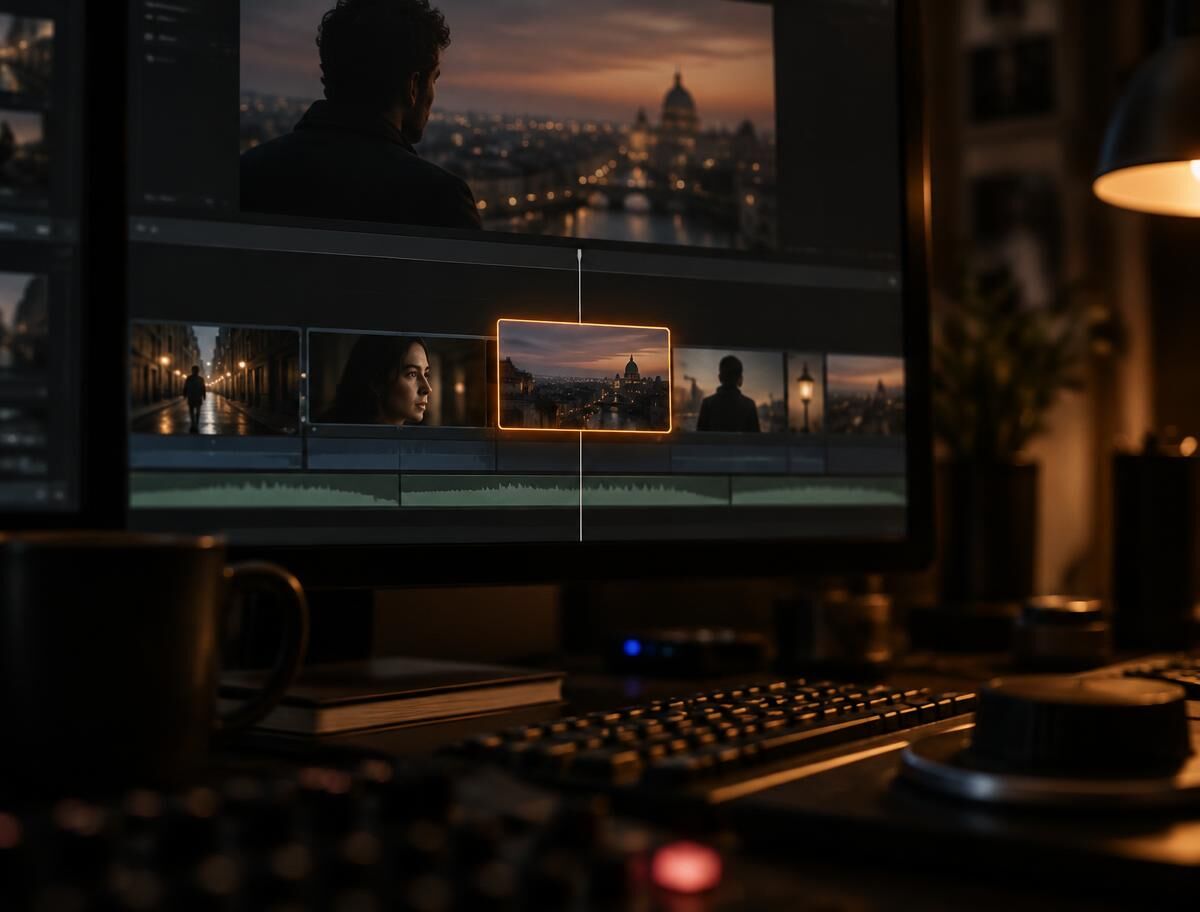
Find and fix
How a broken shot gets redrawn, with a real before and after.
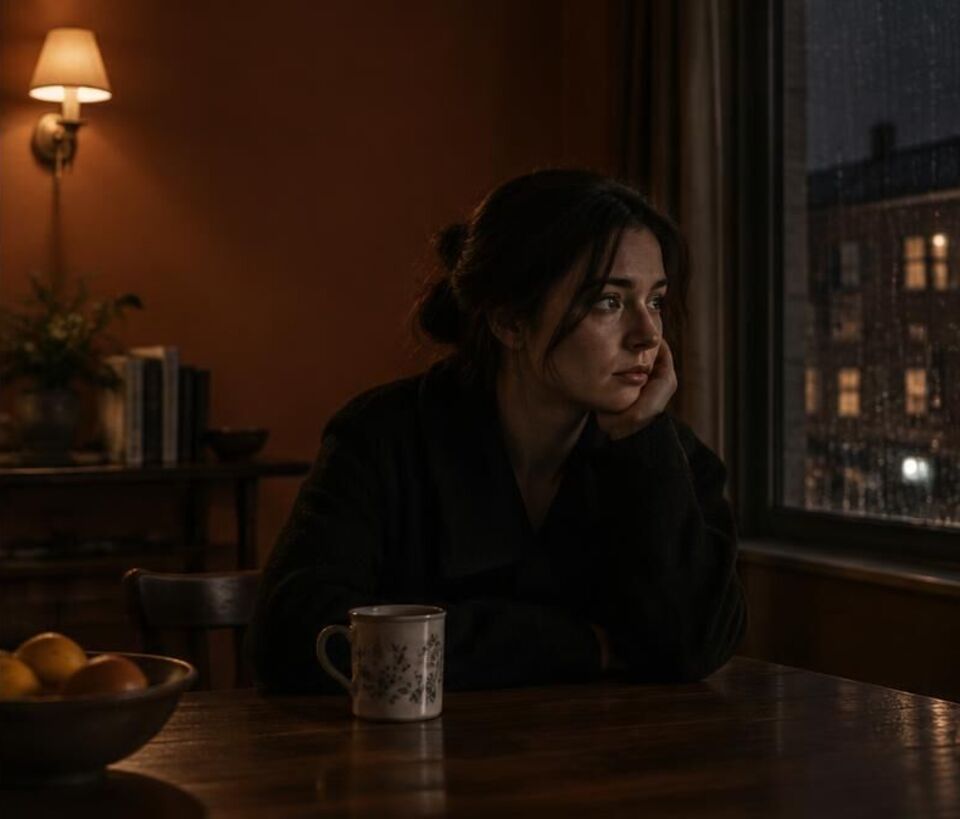
Fixing backgrounds
Walls, windows, light and set dressing that drift while nobody looks.
Continuity errors
Eight kinds of mistake, famous examples, and why they keep happening.
Redo one shot
Replace the shot that broke and leave the rest of the cut alone.
Find out who moved
Upload the cut and the staging gets its own read, shot by shot. The report comes back in a few minutes for most clips.