Keeping a generated cut consistent
Video models make 15 to 30 seconds at a time, so every piece of a long cut is made on its own and the jacket, the room and the weather are up for renegotiation each time. This is how long AI video really gets made, what goes wrong, the working order that keeps a long cut from falling apart, and how to find and fix the shots that broke anyway.
01How it gets made
A long AI cut is a pile of short ones
Today's video models top out at around 15 to 30 seconds per generation. Nobody is generating a five-minute film in one go. What people actually do is make it in pieces, 15 or 30 seconds at a time, and edit the pieces together. Five minutes is ten to twenty generations.
That works right up to the seams. Each generation is made fresh from the prompt and whatever reference you attach, with no idea what the last one looked like. So between generations the jacket changes shade, the face settles a little differently, the window moves walls and the afternoon turns into evening. Every piece looks fine on its own. Played in a row, the seams are where AI video gives itself away.
That gap between generations is the problem VideoConsistency is built to solve, as simply as I could make it. Upload the cut, our agent checks every generation against the first, and the shots that slipped get fixed.
One three-minute AI video
8 generations · 7 cuts between them
A three-minute video made of 8 separate generations, each 15 to 30 seconds long. Something drifted at 5 of the 7 cuts between them.
- 10:20The coat comes back a shade lighter
- 21:00The record is on the shelf now
- 31:30Afternoon turns into evening
- 42:05Her face settles a little differently
- 52:30The window has moved to the other wall
02What breaks
What breaks, in order of how often
 Props
Props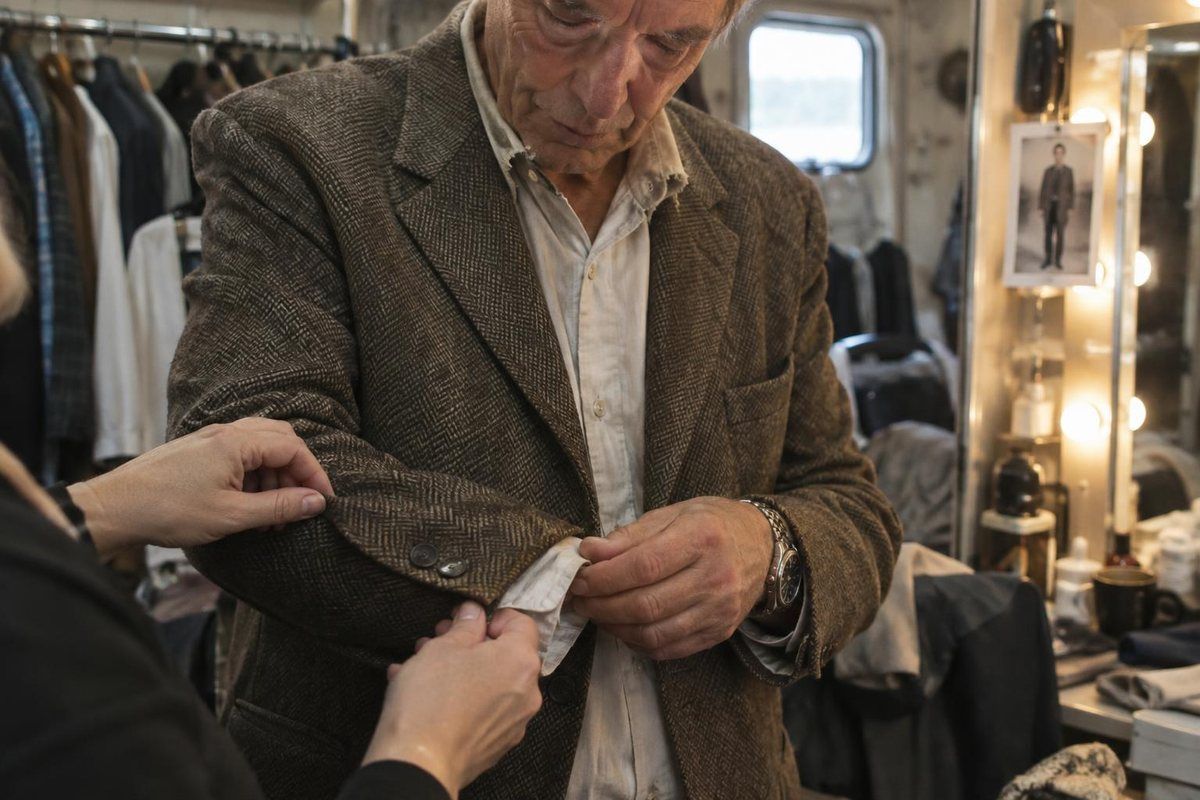 Wardrobe
 Light
Light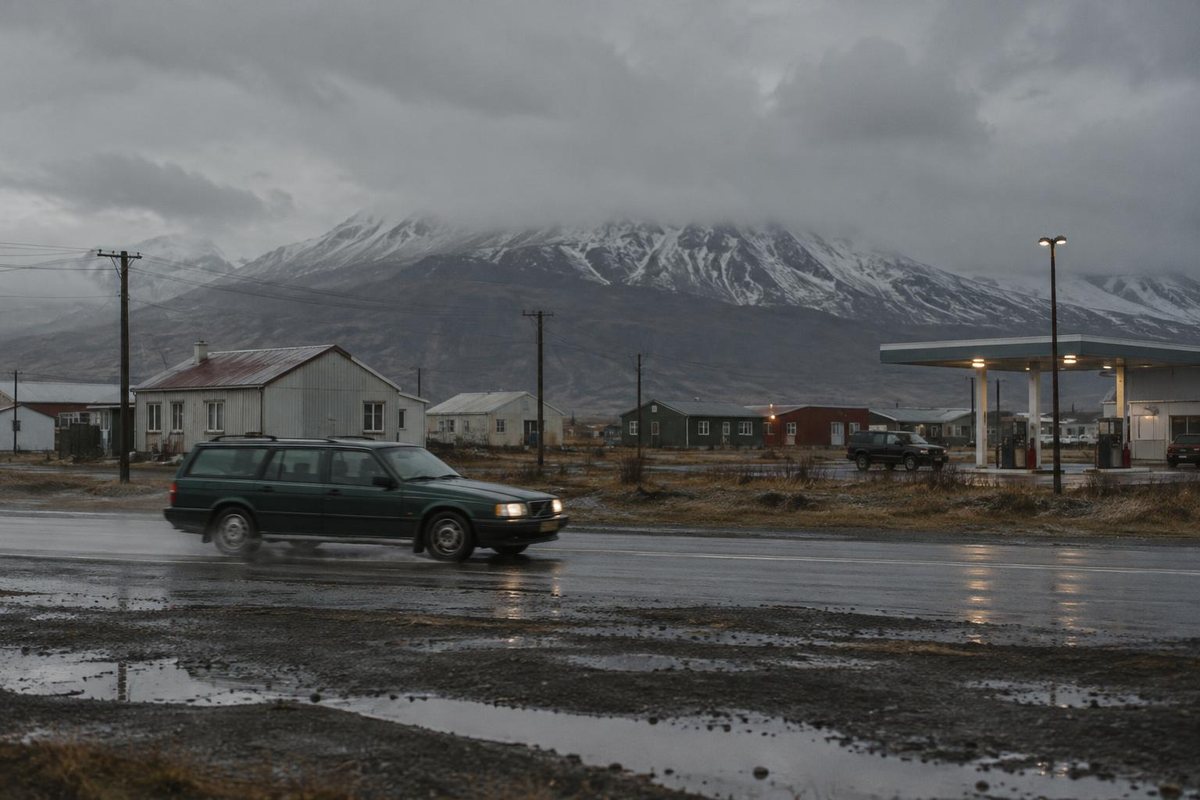 Direction
- The person
- A face settles slightly differently every time it is generated. Hair length, a beard, the shape of a jaw.
- The clothes
- A jacket comes off between two shots that are meant to be the same minute. A shirt changes shade.
- The things they hold
- A glass moves hands. A record is on the table in one shot and on the shelf in the next.
- The room
- Furniture shifts, a window appears on the other wall, the light turns from afternoon into evening.
- Where they stand
- Two people swap sides of the frame, so a conversation suddenly turns the wrong way.
- The weather and the clock
- Rain in one shot, dry ground in the next. Long shadows, then no shadows at all.
There is a longer walk through the categories on continuity errors, and the face and wardrobe side has its own page on character consistency.
03The habit
Always compare to the first shot
This is the one habit that changes the most. Pick the shot where a person or a place is clearest, treat it as the truth, and measure everything later against it.
Comparing each shot to the one before hides drift, because every step looks close enough to the step behind it.
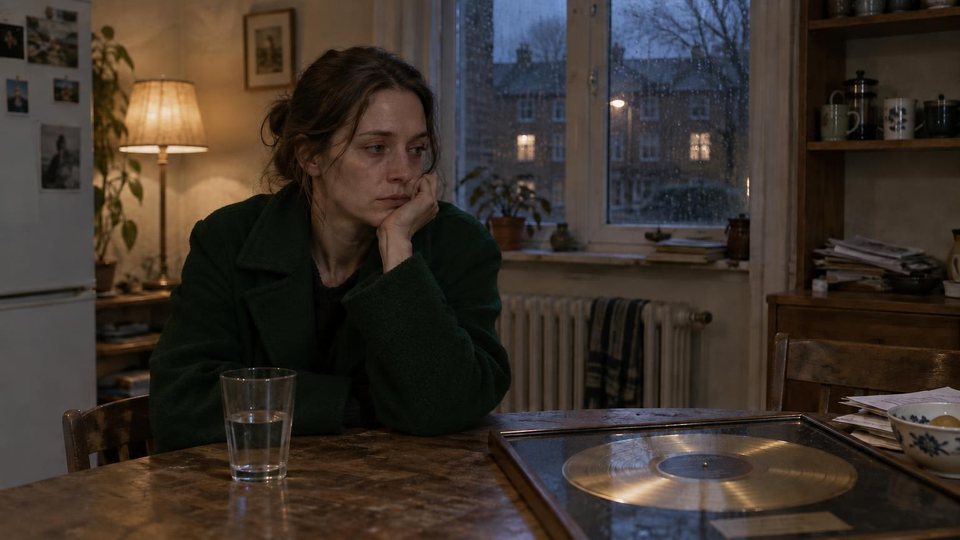 Reference
Shot 02 · 0:08 · first clear look
Shot 03 · 0:13Matches
Shot 04 · 0:21Matches
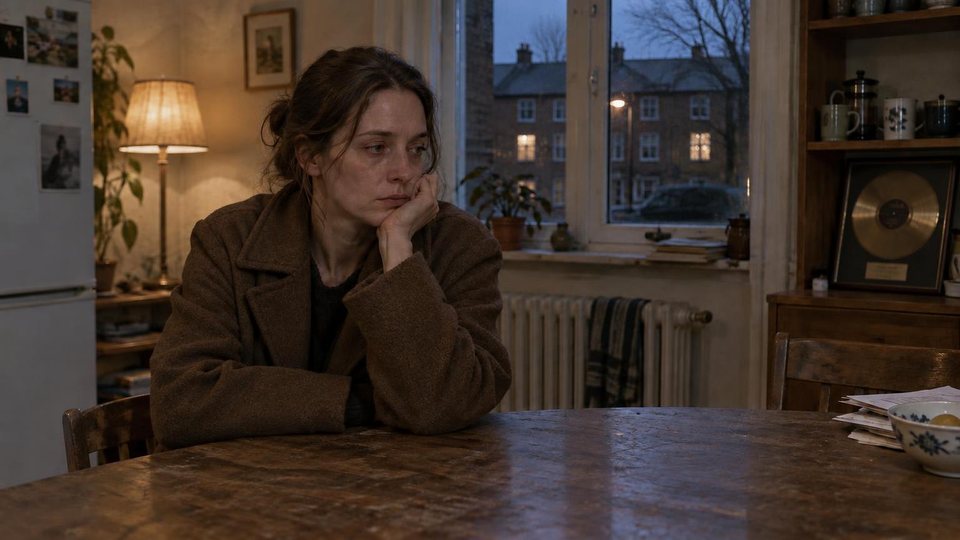
Shot 05 · 0:314 breaks
Shot 07 · 0:44Matches
04The workflow
A working order
- 01
Pick your reference shot
Whichever shot shows the person or the room most clearly. Everything later gets held up against it, not against the shot before it.
- 02
Generate against the reference, not the last frame
Chaining each shot off the previous one is how drift compounds. Small changes stack until shot twelve has nothing to do with shot one.
- 03
Cut first, check second
Continuity only matters in the order the audience sees it. Assemble the sequence, then look for breaks across the cut.
- 04
Decide what is deliberate
If she takes the coat off on camera, it is not an error. Keep a short list of changes the story explains, and ignore flags that match it.
- 05
Fix the shot that broke and keep the rest
Redo only that shot, against the reference frame, then check again. Redoing the whole sequence just gives you a fresh set of problems. Fix this shot in the report does exactly this for you.
05Find and fix
Where the check and the fix save you time
Doing this by eye means scrubbing a five minute cut over and over, holding shot one in your head while you watch shot twenty. That is the part worth handing off.
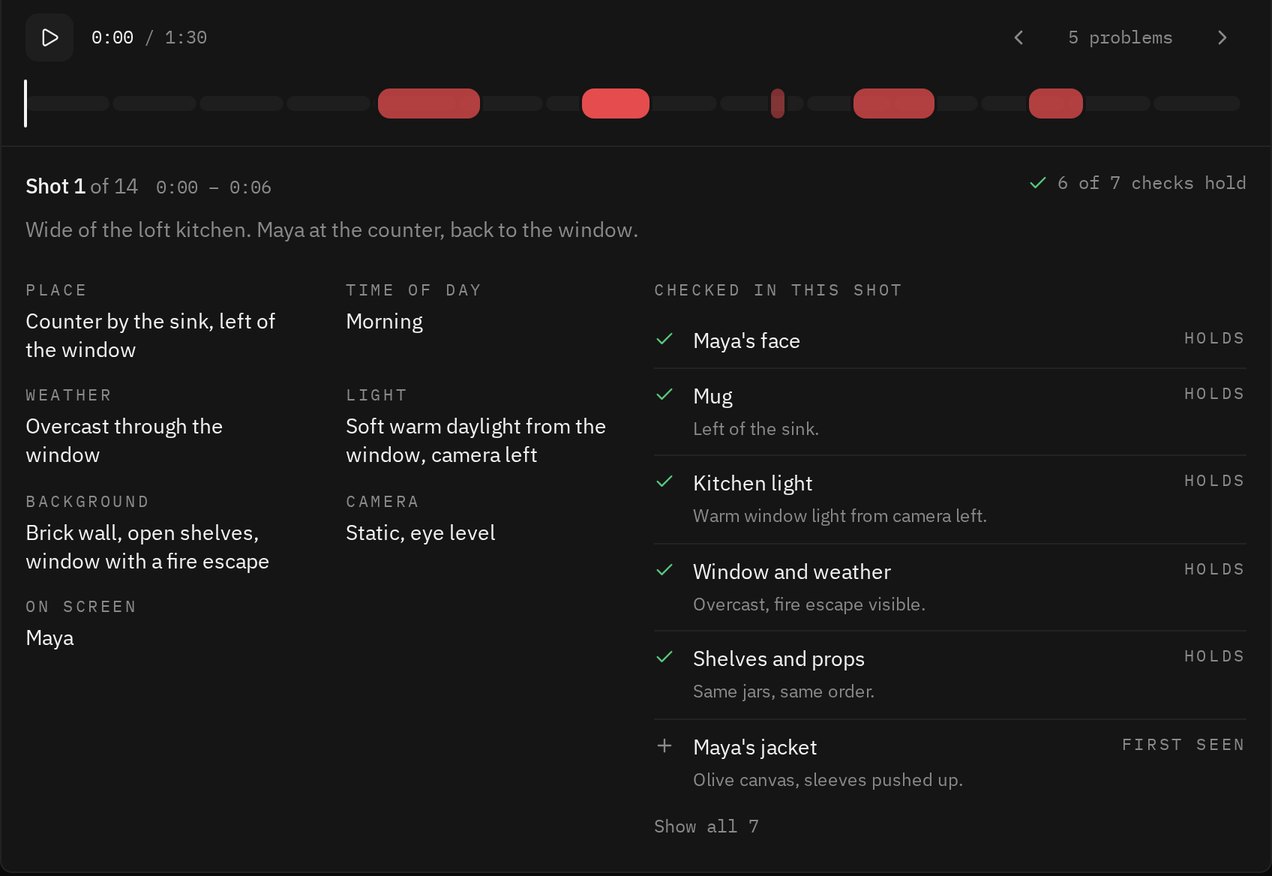
Our agent watches the whole cut in one sitting, follows the people and the room separately, and holds every appearance against its reference shot, generation after generation. You get a score, a timeline with a mark wherever something stops matching, the two frames that disagree, and a written fix for each mark. Every shot also gets written up with what was checked in it, so a clean result comes with its working.
Then comes the fix. Under every written fix is a Fix this shot button. One of the best frontier video editing models regenerates that one shot against the reference frame, you see a low-res draft first, and the fixed shot drops back into your cut. How fixing works.
If you want the method itself, how our agent watches your video and how the number is worked out, that is on AI video analysis. Published runs sit on the benchmark.
06Your part
What stays your call
Our agent does not know your script. If the coat comes off on camera, it sees that and leaves it alone. If the coat is gone between two shots because a day has passed in your story, it will flag it, and you are the one who knows the day passed. It watches a compact copy of your video with sharp stills from the original, so something wrong for less than a second can fall between frames.
Which shots get fixed is your call too. Nothing is regenerated until you press the button, and you see a draft before you take the full-quality file.
Run it again after every round of fixes. A regenerated shot can fix one thing and quietly break another, and the second run catches it.
Keep reading
Find and fix
How a broken shot gets regenerated, with a real before and after.
Redo one shot
Replace the shot that broke and leave the rest of the cut alone.
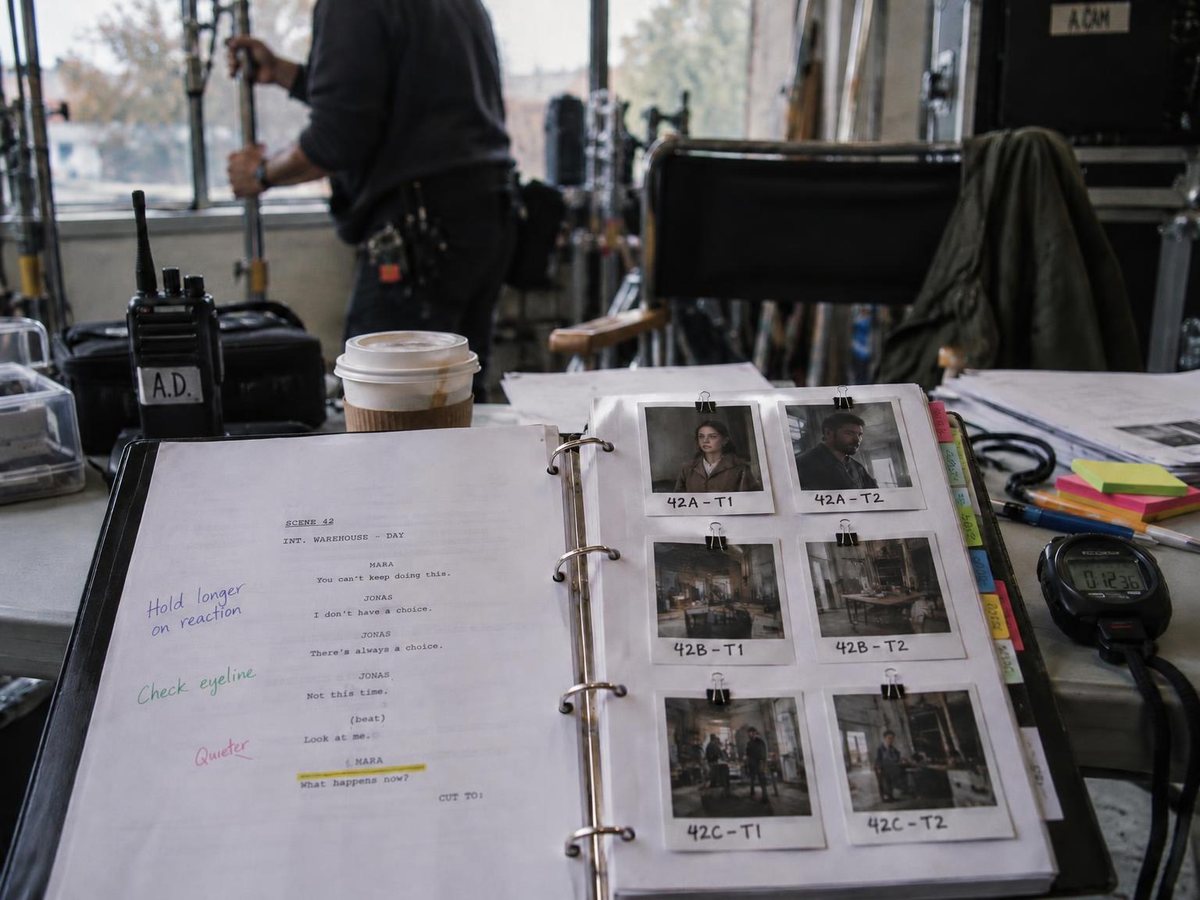
Continuity errors
Eight kinds of mistake, famous examples, and why they keep happening.
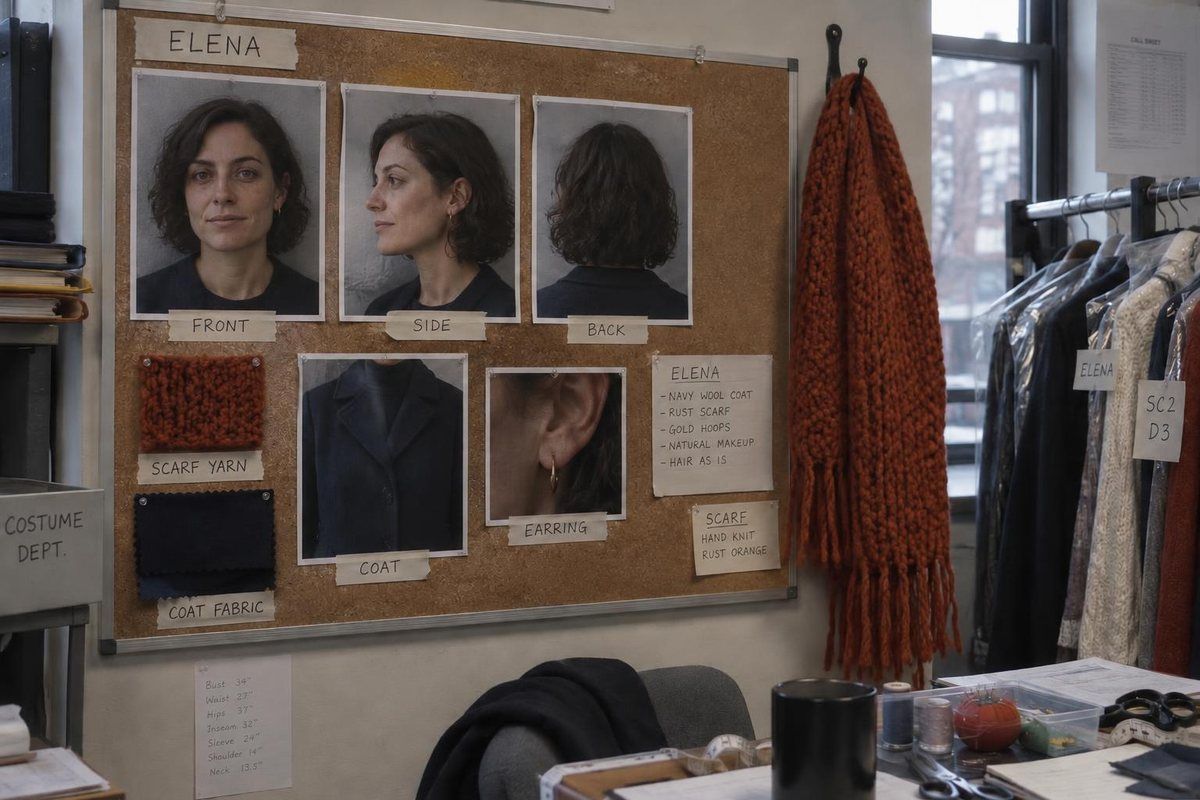
Character consistency
Why people drift across shots, and what holds them in place.
Find the breaks and fix them before anyone else watches
Sign in with your email and drop the file in. The report comes back in a few minutes for most videos, with a fix for every break. Plans start at $19 a month for 15 minutes of video and 10 seconds of shot fixes.