The wall was blue a second ago. How to fix a background that changes between shots.
01What drifts
Everything behind the actors
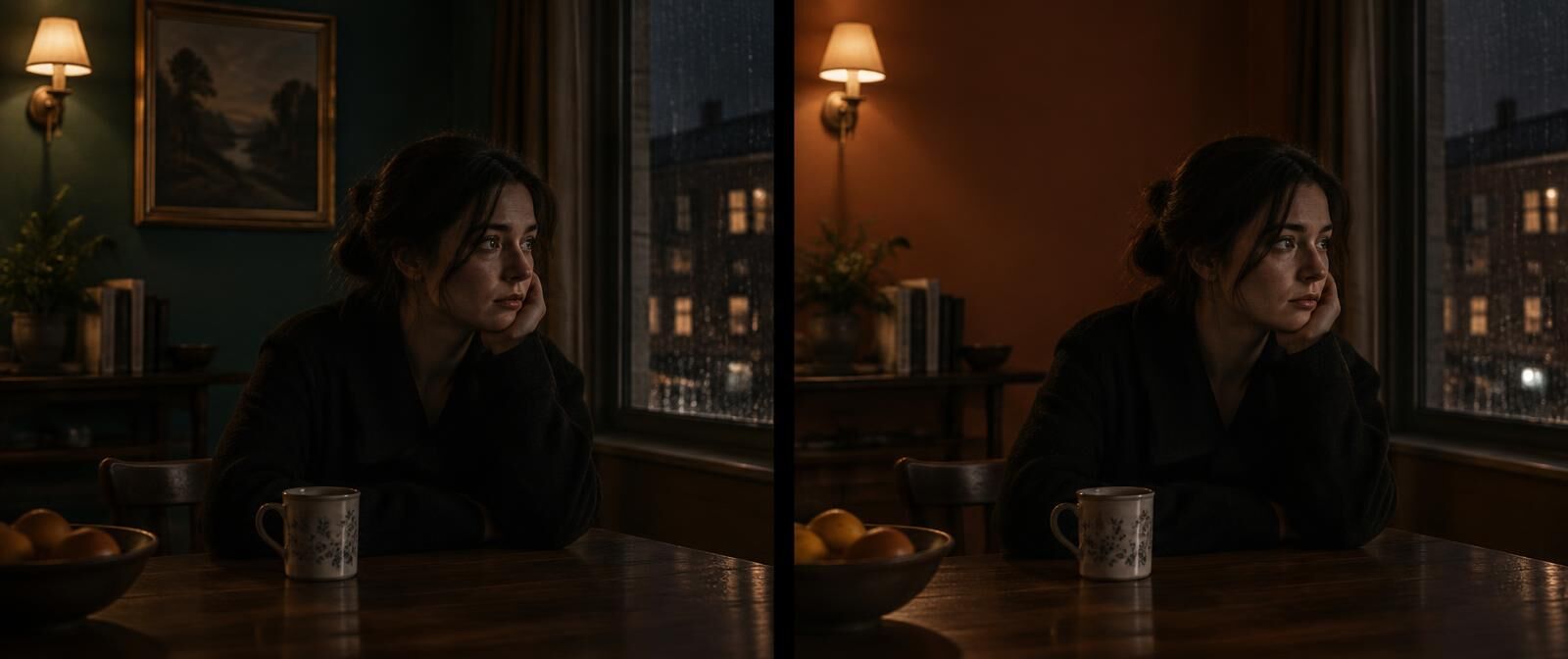 Shot 04 · 0:15Shot 09 · 0:38
- Walls
- Colour, paint finish, wallpaper pattern, tiles. A teal wall going terracotta is more common than you would think.
- Set dressing
- Paintings, shelves, plants, lamps. They move, multiply or quietly leave the room.
- Windows
- What is outside them. A street becomes a park, a fourth floor becomes the ground floor.
- Light and time of day
- Morning light in one shot, low gold evening sun in the next, same conversation.
- Weather
- Rain on the glass, then dry glass, then rain again.
02A real one
A brown wall, found and fixed
I made a 24-second test clip with a few mistakes planted in it. In the last shot the wall behind the figure turns from dark blue to brown. Everything else in the room stays put.
The check flagged shot 6, matched it to the first wide shot at 0:00.5 and wrote the fix below. Fix this shot sent it off to be redrawn. The first draft put the blue back and left the figure, the box and the window exactly where they were. The automatic check agreed.
A wall is a good first fix. Nothing has to move, so the model only repaints. The whole run, step by step.

Reference · Shot 1 · 0:00.5The frame the fix was told to match.
Shot 6, 0:20.0 to 0:24.0. The upper wall of the room is colored dark brown instead of the dark blue established in Shot 1. Match it back to shot 1 at 0:00.5, using that frame as the reference. Everything else in the shot stays as it is.
03By hand
How to fix a background yourself
The order matters more than the tool. Reference first, the description second, the redo third, and the checks at the end.
- 01
Take the reference from the first wide shot
The first shot that shows the whole room clearly. It sets the wall, the window, the furniture and the light for every shot that follows in that place.
- 02
Say what changed in plain words
The upper wall is brown and it should be dark blue. The painting above the lamp is missing. Name the thing, the wrong version and the right one.
- 03
Redo only the broken shot from the reference
Edit or regenerate that one shot with the reference frame attached, and ask for only the background to change. Keep the framing, the camera move and the people as they are.
- 04
Check the light, not just the paint
A new wall colour can shift the bounce light on faces. Look at skin tones and shadows next to the shots on either side.
- 05
Watch it in the cut
Backgrounds are easiest to judge in motion. Play the shot before and after and see if your eye snags on anything.
04Or press the button
Found, written and redrawn in one place
VideoConsistency reads your video with a separate pass that ignores the faces and follows only the room: the walls, the furniture, what sits where, the light and the weather. Every break gets a timecode, the frame where the room was right next to the frame where it changed, and a written fix.
Under each fix is Fix this shot. One of the best frontier video editing models redraws the shot to match the reference, you see a draft first, and an automatic check tells you whether the room is right again and whether anyone in it changed.
Shot fixing is in its last round of testing and switches on for plan holders next. Finding the breaks and the written fixes work today.
05Questions
Common questions
Why does the background change between shots in AI video?
Each shot is generated on its own, and the model spends most of its attention on whoever is in front of the camera. The room behind them gets re-imagined every time from the same few words, so walls, paintings and windows drift between shots.
How do I keep the same background across AI-generated shots?
Describe the room the same way in every prompt, use one frame of the room as a reference image for every shot set there, and check each new shot against that frame before you move on. The guide to keeping a long cut consistent goes through it step by step.
Can I change a wall colour in an AI video without regenerating the whole thing?
Yes. Fix only the shot where the wall is wrong. A colour change is one of the easier edits for a video model because nothing has to move. In the test clip on this page the first draft got it right.
Is a different background always a continuity error?
No. A new location is allowed to look different. A continuity error is when the same place changes without a reason. That is why the check compares each shot with the first clear look at that same place, and leaves cutaways and new locations alone.
Keep reading
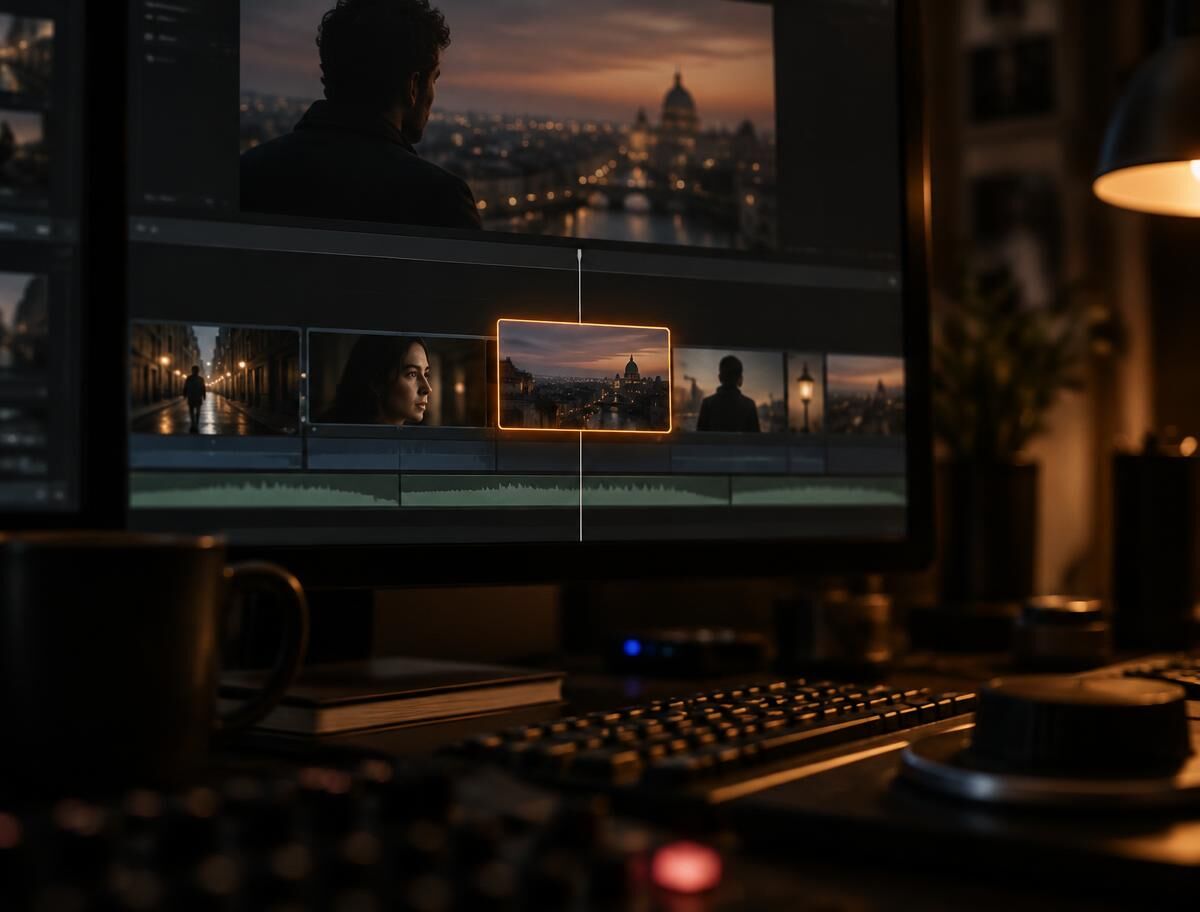
Find and fix
How a broken shot gets redrawn, with a real before and after.
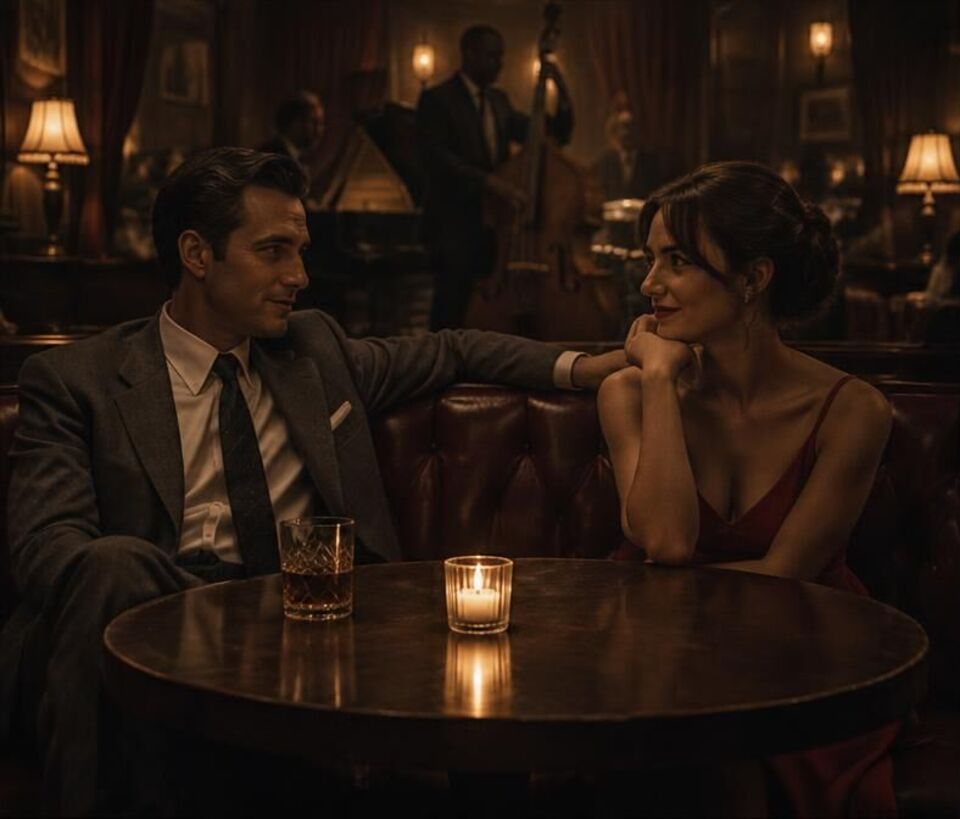
Fixing props and positions
People who trade seats and glasses that hop across the table.
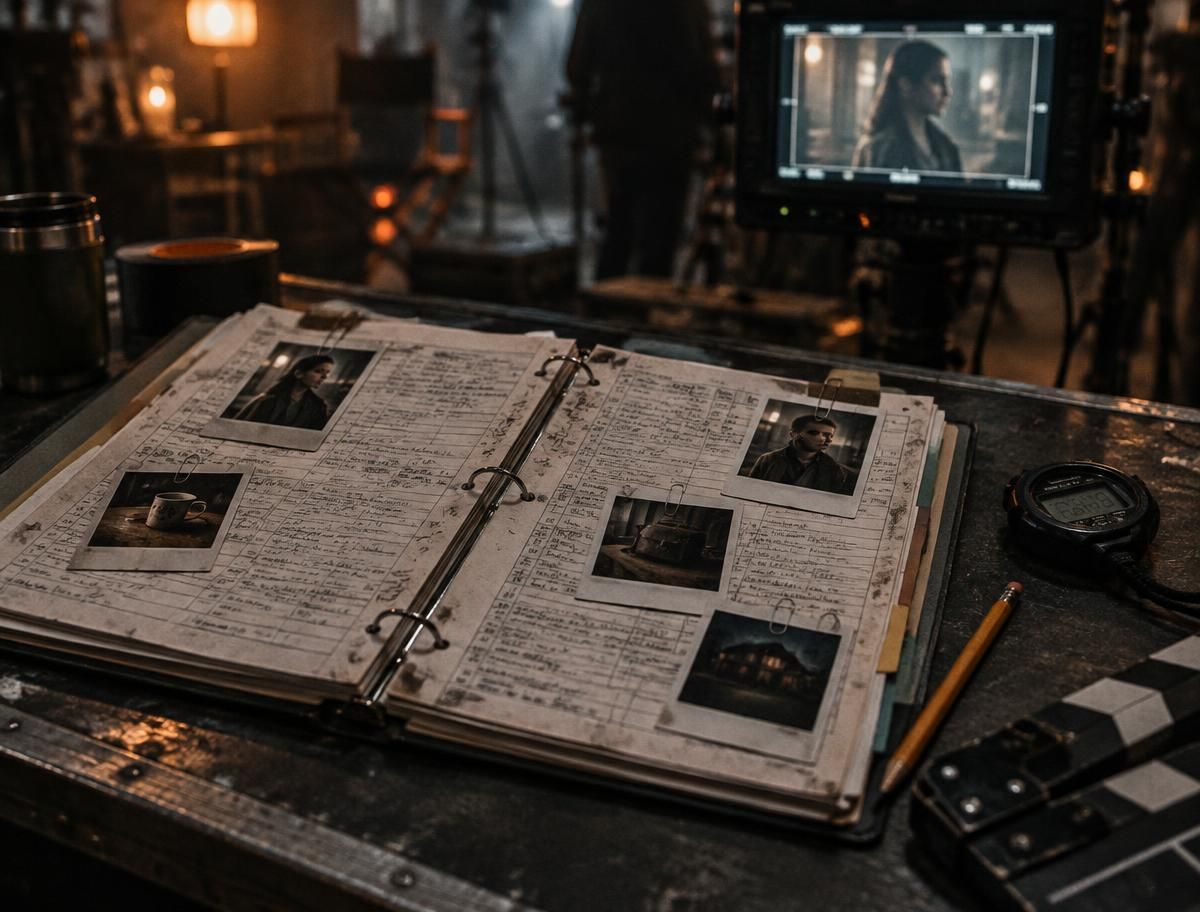
Continuity errors
Eight kinds of mistake, famous examples, and why they keep happening.
Continuity guide
A working order for keeping a long generated cut consistent.
See what changed behind your actors
Upload the cut and the room gets its own read, wall by wall and shot by shot. The report comes back in a few minutes for most clips.