Fix the shot that broke. Keep the rest of your video.
The redraw runs on one of the best frontier video editing models around. It gets your shot, the reference frame and one precise instruction, and you get a draft to look at before you pay for the real thing.
Shot fixing is in its last round of testing and switches on for plan holders next. Finding the breaks and the written fixes work today.
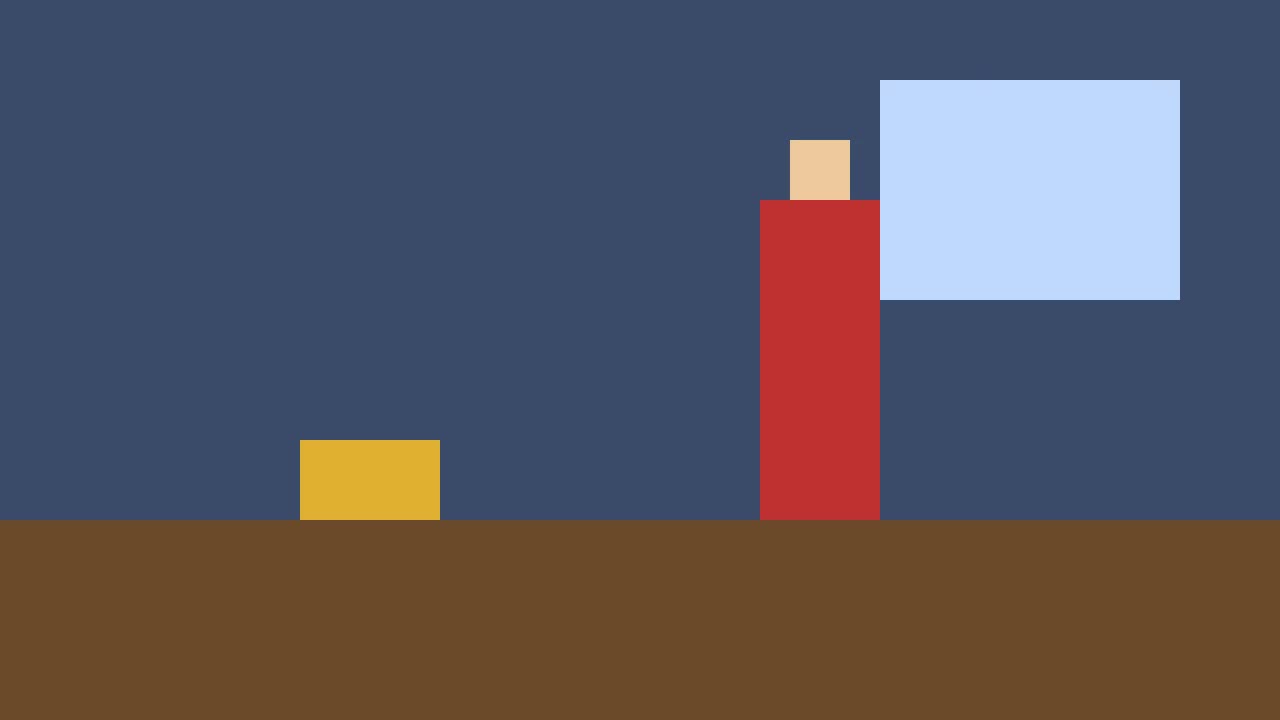
The upper wall turned dark brown. It was dark blue from the first shot on.
Fix
Shot 6, 0:20.0 to 0:24.0. The upper wall of the room is colored dark brown instead of the dark blue established in Shot 1. Match it back to shot 1 at 0:00.5, using that frame as the reference.
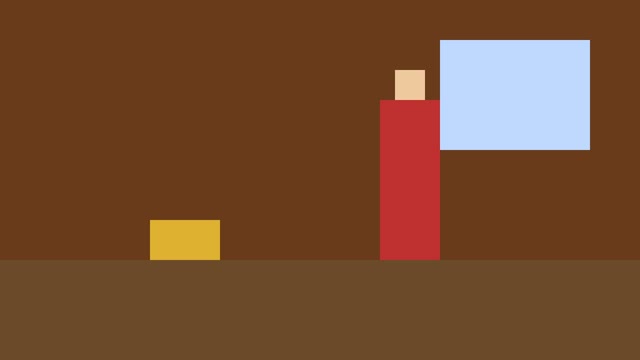
Reference · Shot 1 · 0:00.5The frame the fix was told to match.
A real fix
The wall came back blue
This is shot 6 of a test clip I made on purpose. The wall was dark blue for the whole video and then, in the last shot, brown. The check caught it and wrote the fix you see below. I pressed the button.
- Draft
- About two minutes
- Automatic check
- Problem gone, nothing else changed
- Full quality
- About two and a half minutes more
- Back in the video
- The rebuilt 24-second clip, downloaded from the report page
Shot 6, 0:20.0 to 0:24.0. The upper wall of the room is colored dark brown instead of the dark blue established in Shot 1. Match it back to shot 1 at 0:00.5, using that frame as the reference. Everything else in the shot stays as it is.
01The test clip
I made a clip with three mistakes in it
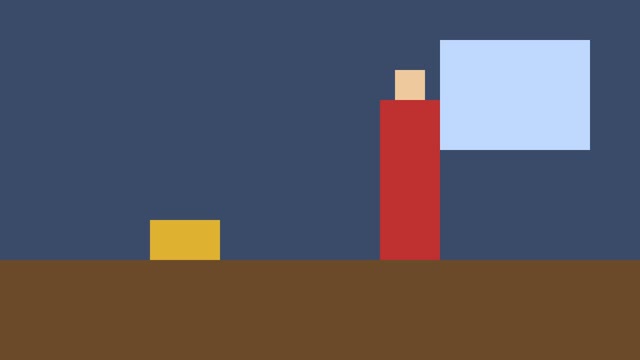
Shot 1 · 0:00
Reference
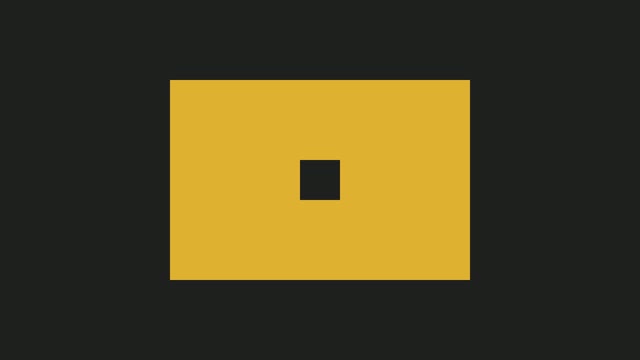
Shot 2 · 0:04
Insert, allowed
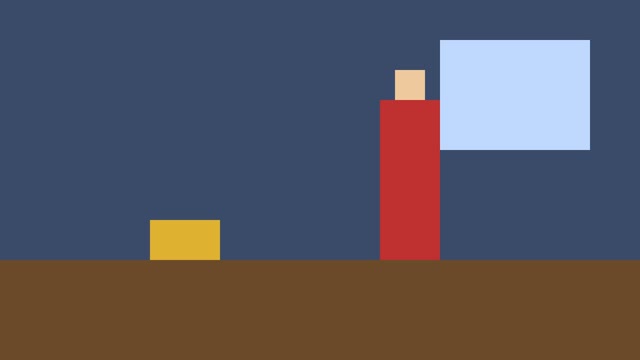
Shot 3 · 0:08
Holds
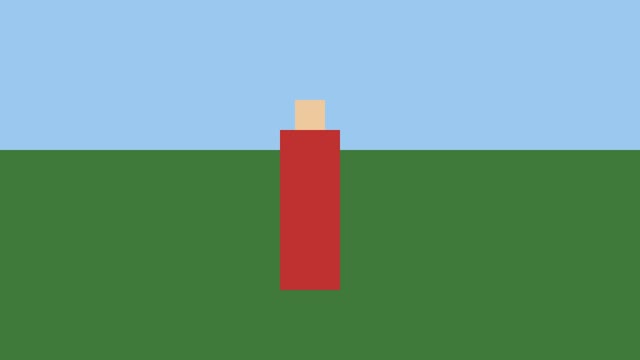
Shot 4 · 0:12
New place, allowed
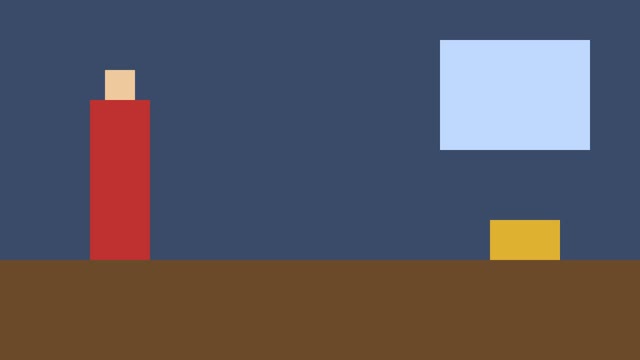
Shot 5 · 0:16
Swapped sides
Shot 6 · 0:20
Wall turned brown
Shot 2 is an insert and shot 4 is outside on a lawn, both on purpose. Then I broke it. In shot 5 the figure and the box swap sides. In shot 6 the wall turns brown.
The check came back with a score of 0.83 and 3 problems: the figure on the wrong side, the box on the wrong side, and the wall. All three were the planted ones. It left the insert and the lawn alone. They are different places, and a different place is allowed to look different.
02How a fix works
From a problem card to a fixed shot
- 01
The check finds the break
Your whole video is read shot by shot. Every person, prop and room is held against its first clear look, and each break comes back with a timecode, two frames and a written fix.
- 02
You press Fix this shot
The button sits under every written fix. Everything it needs comes from that card: the shot, the fix and the reference frame. Very short shots borrow a few frames from their neighbours, and long ones are fixed in a 30-second window around the problem.
- 03
A frontier model redraws the shot
The shot, the reference frame and the instruction go to one of the best video editing models there is right now. It is asked to change the one thing that broke and keep the framing, the camera move and everyone else.
- 04
A draft comes back first
A low-res draft, usually in about two minutes, played next to your original and the reference frame. Keep the page open while the shot is cut out. After that you can leave, and the draft is waiting when you come back.
- 05
An automatic check watches it
It answers two questions. Is the problem gone for the whole shot? And did anything change that should not have? It looks at faces, hands, wardrobe, props, where things stand, which way people face, light, background and the camera.
- 06
You decide
Get 720p or Get 1080p if it worked. Try again for a new draft. Or It didn't work, and that is the end of it.
- 07
It goes back in the cut
Download the fixed shot on its own. For videos up to 15 minutes you can also download the whole thing with the new shot already dropped in where the old one was.
03When the first draft misses
Moving things is harder than repainting them
Reference · Shot 1 · 0:00.5In the reference the figure stands on the right by the window and the box sits on the left.
This is exactly why you get a draft before the full-quality file. You look at it for two seconds, press It didn't work, and you have not paid for a 1080p copy of the same mistake.
Repainting a wall is the easy end of the job: nothing has to move, so the model only changes colour. Moving people around a room is the hard end, because the whole shot has to be rebuilt around where they stand. When a position fix misses, the written fix still tells you exactly what to regenerate and which frame to start from. More on fixing positions.
04Under the hood
Frontier video editing, picked for the job
The redraw runs on the best frontier models for video editing that exist right now. I don't say which. They leapfrog each other every few months, and when a better one shows up the fixes switch to it.
What makes it work is what the model is handed. Your shot, cut straight out of your video. The first clear look at the thing that broke, as a reference frame. And one instruction, written from a fixed template, that names the shot, the time, what changed, the frame to match, and tells it to leave everything else alone.
Then a second model watches the draft next to your original and goes through a list of things that must not change. It writes down what it saw, so you can disagree with it.
Checked on every draft
- faces
- hands
- wardrobe
- props
- where things stand
- which way people face
- light
- background
- the camera
- And the problem itself
05What it costs
You pay once you've seen it work
Fixes are counted in fix seconds, by the length of the shot. A 720p download uses one fix second for every second of shot, 1080p uses two, and another draft uses half. A 4-second shot is 4 seconds at 720p and 8 at 1080p. The number is on the button before you press it.
Any plan can top up with 10 seconds for $12 or 50 for $50, and bought seconds never expire. If a render fails, the seconds go back on their own.
- Starter · $19 a month
- 10 fix seconds
- 3 free drafts
- Pro · $49 a month
- 30 fix seconds
- 10 free drafts
- Studio · $199 a month
- 150 fix seconds
- 30 free drafts
06Questions
Fixing, asked plainly
Can AI fix continuity errors in a video?
Yes, one shot at a time. VideoConsistency finds each break first, then one of the best frontier video editing models redraws the broken shot to match the frame where things were right. You see a low-res draft before you take the full-quality file.
Do I have to regenerate the whole video?
No. Only the shot that broke is redrawn. Very short shots borrow a few frames from their neighbours and long ones are fixed in a 30-second window around the problem. You can download the fixed shot alone, or, for videos up to 15 minutes, the whole video with it dropped back in.
Which AI model fixes the shot?
One of the best frontier video editing models available. I don't name it. They leapfrog each other every few months, and when a better one shows up the fixes move to it without you changing anything.
Will the fix change anything else in the shot?
It is told to leave everything else alone, and then it gets checked. The automatic check compares the draft with your original for faces, hands, wardrobe, props, where things stand, which way people face, light, background and the camera, and tells you if anything moved. You still have the final say.
What happens if the fix doesn't work?
You press It didn't work and stop there, or Try again for another draft. You never pay for a full-quality version of a draft you didn't take, and if a render fails the seconds come back on their own.
What does fixing cost?
It is counted in fix seconds. 720p uses one for every second of shot, 1080p uses two, and another draft uses half. Plans include 10 on Starter, 30 on Pro and 150 on Studio every month, plus free drafts. Any plan can top up with 10 seconds for $12 or 50 for $50, and bought seconds never expire.
Fixing guides
Fixing characters
A face, a sweater or a pair of glasses that changed between shots.
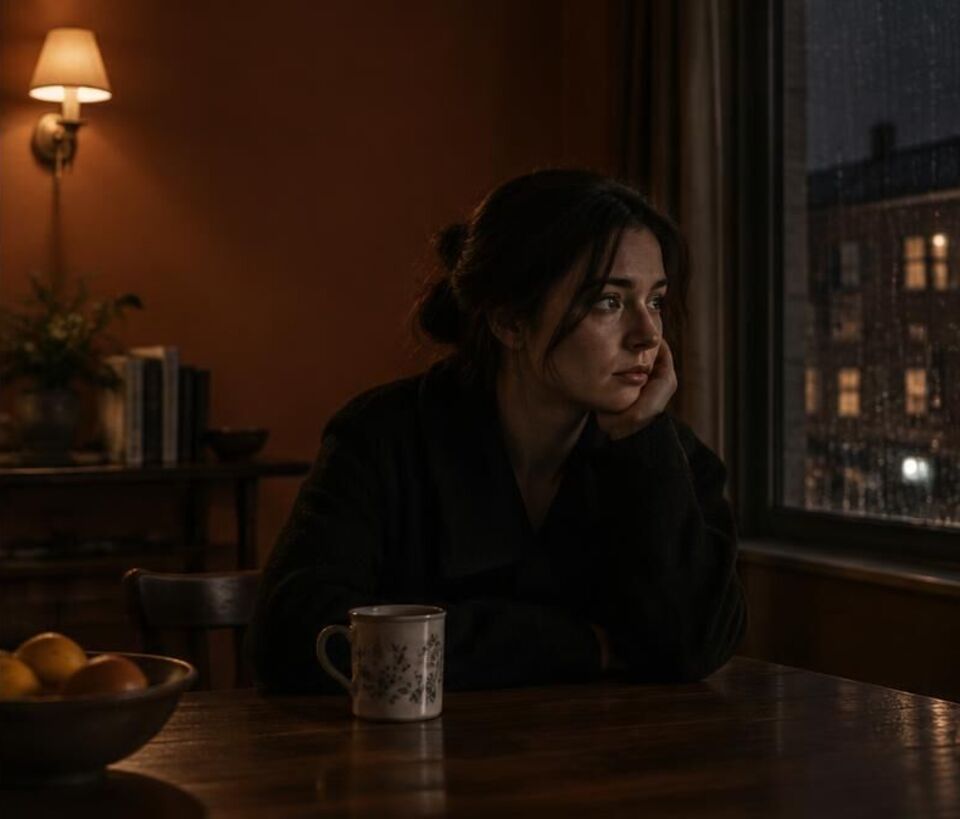
Fixing backgrounds
Walls, windows, light and set dressing that drift while nobody looks.
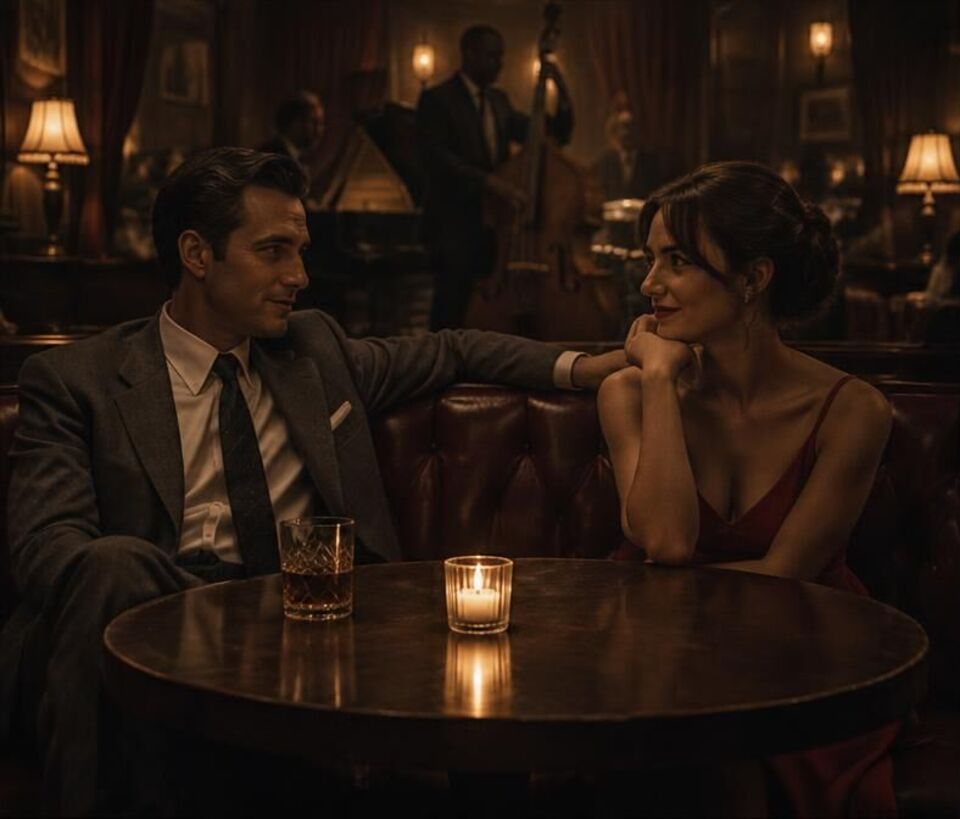
Fixing props and positions
People who trade seats and glasses that hop across the table.
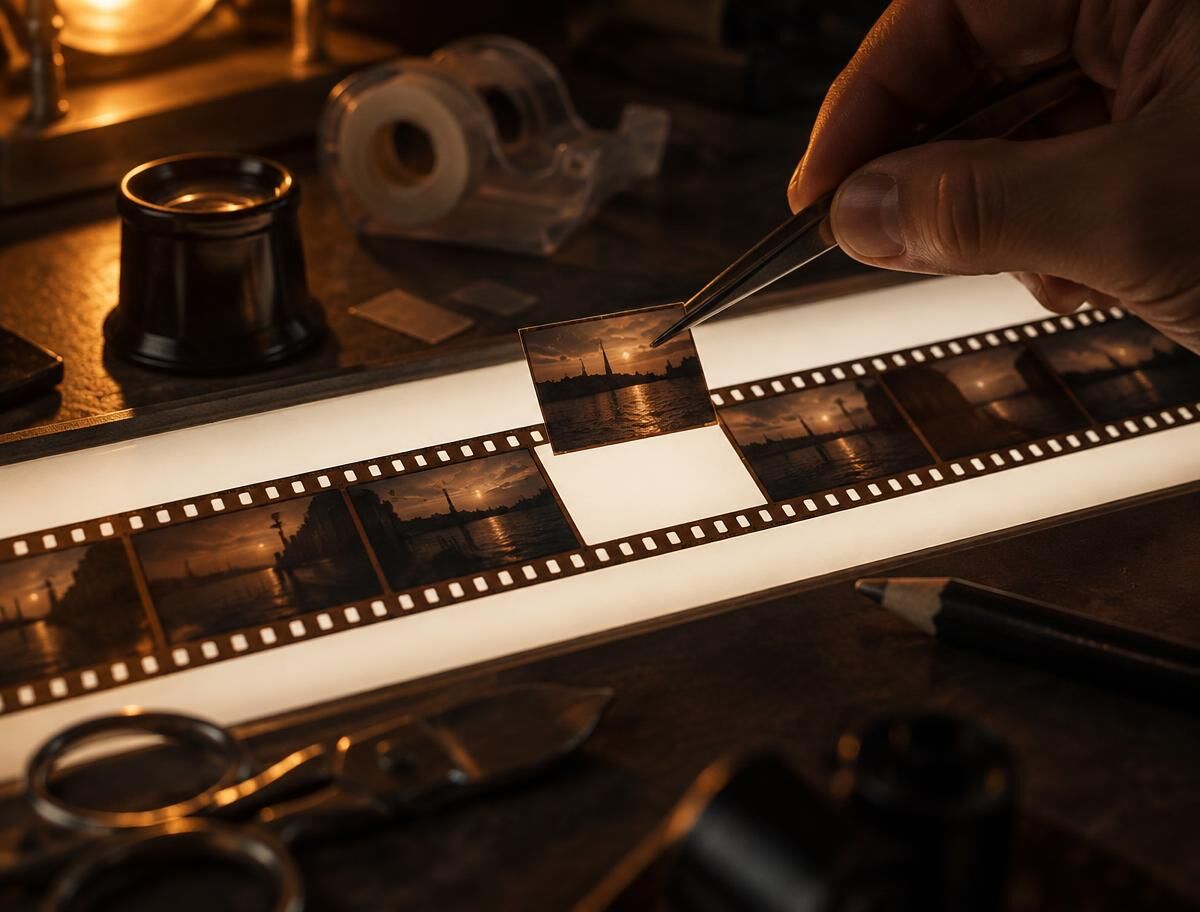
Redo one shot
Replace the shot that broke and leave the rest of the cut alone.
Find the breaks, then fix the ones that matter
Upload the video, read the report, and press Fix this shot on anything you would rather not regenerate by hand.