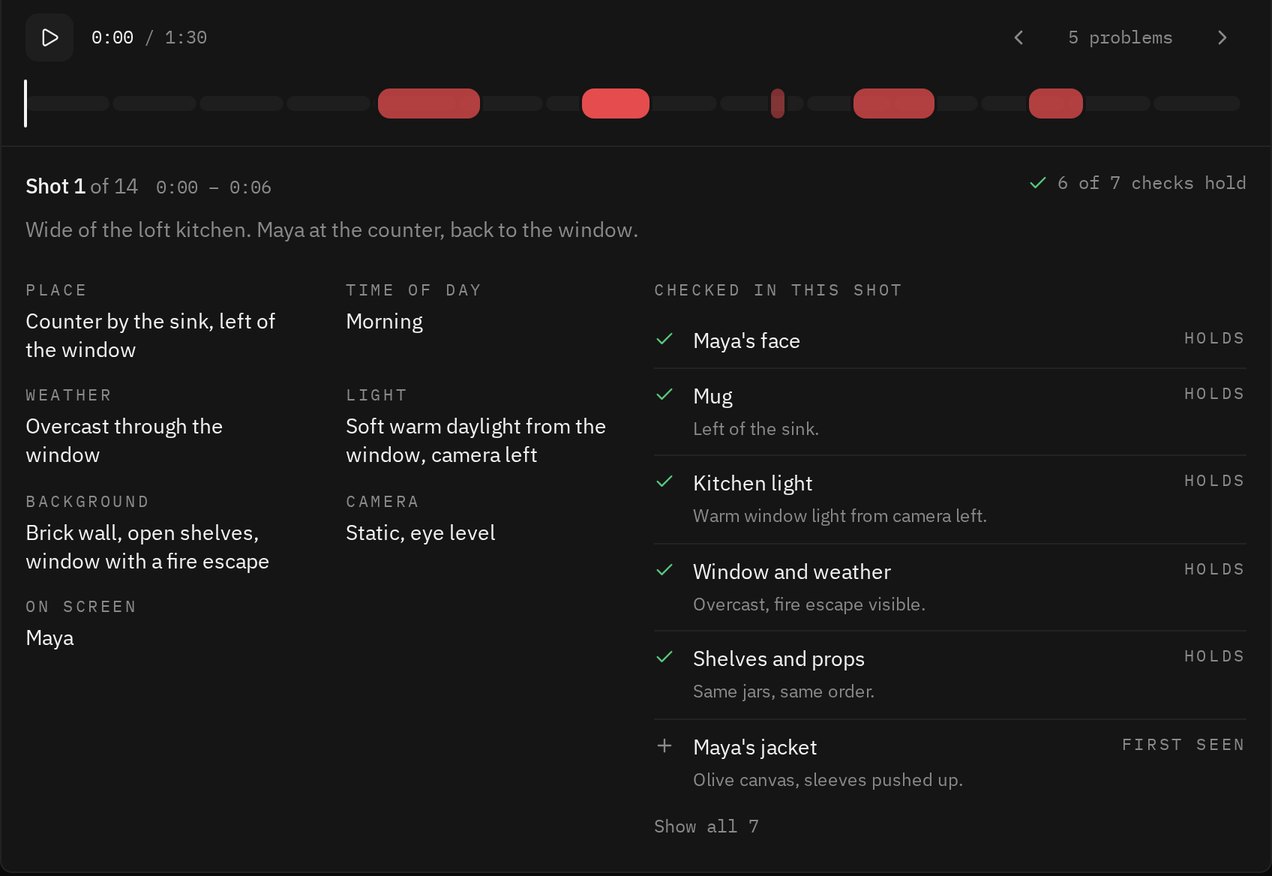
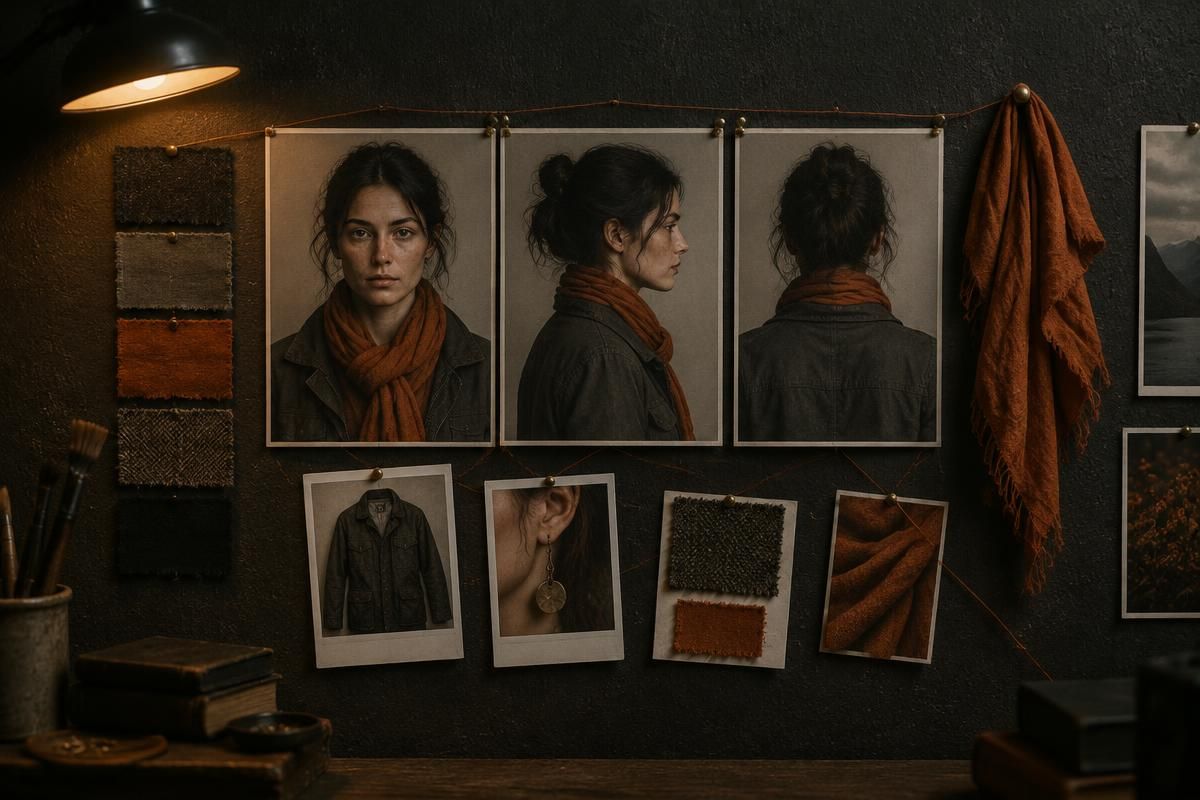
Your original never goes to the model. The reader gets the compact copy and the stills, so something that is wrong for less than a second can fall between frames, and the smallest details are only as sharp as the nearest still. If your browser cannot build the copy, the run stops and tells you, rather than guessing from part of the clip.
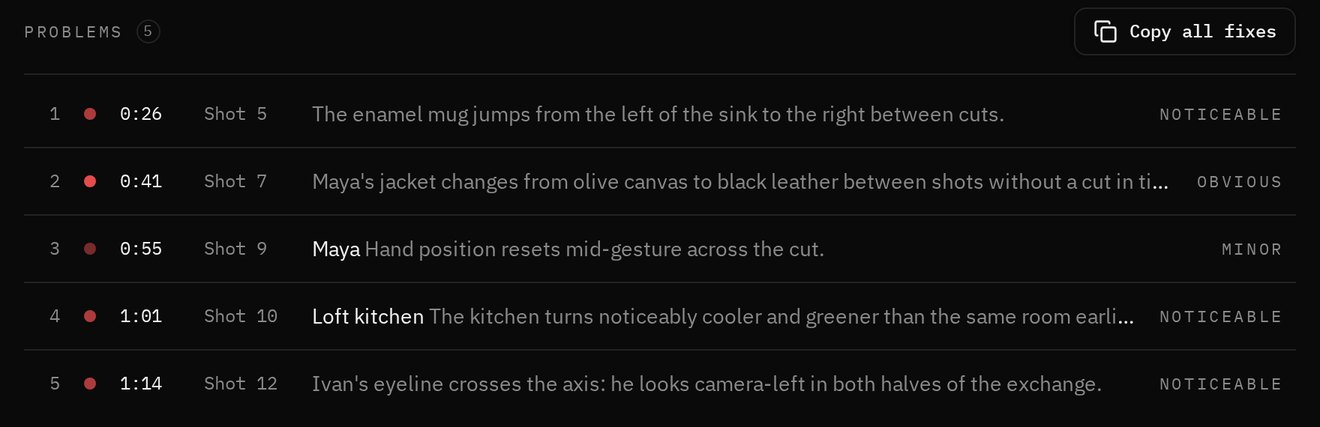
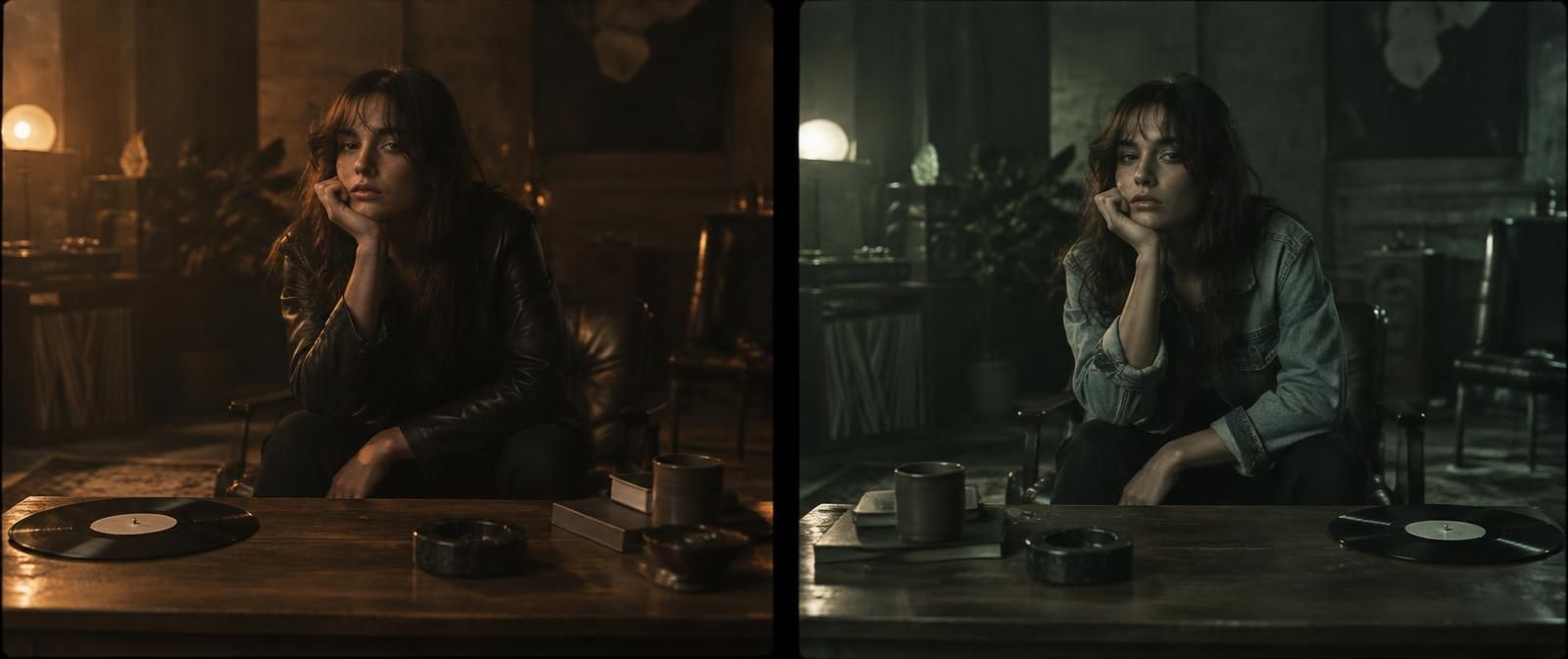
It also does not know what your story intends, so a change you meant can come back as a problem. You overrule it in a second, because the frames are right there. That is the point of showing them.
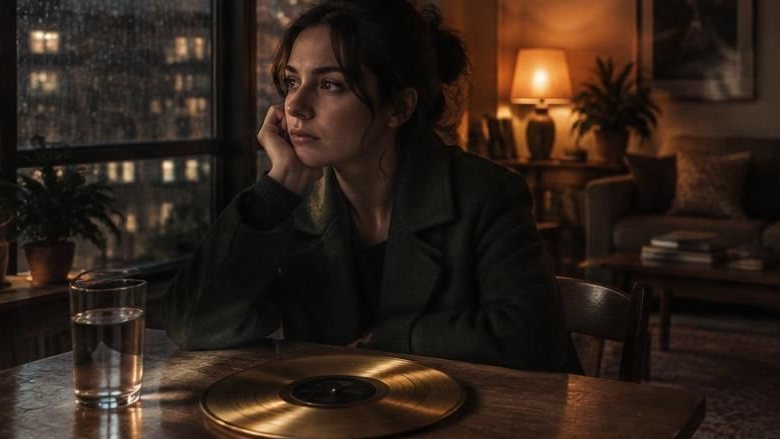
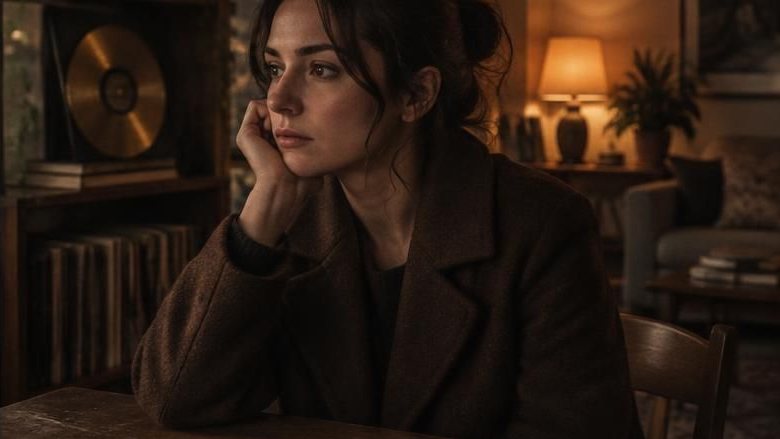
Reading continuity is one of the hardest things you can ask a video model to do. In TimeCatch (arXiv 2608.23474) the best model noticed two swapped frames 57 percent of the time, where people got it 75 to 92. In Order Matters (arXiv 2608.10908) judges gave a shuffled sequence the same marks as a coherent one. So everything here is built to make the model show its work: the stills, the second read, the fixed form, the frames on every card and a score worked out outside the model.