The one step the editing tools skip
Drop the cut in and the whole thing is watched in one sitting, every person, prop and room held against its first clear look. Every moment where the cut argues with itself comes back with a timecode, two frames and a note on what to change.
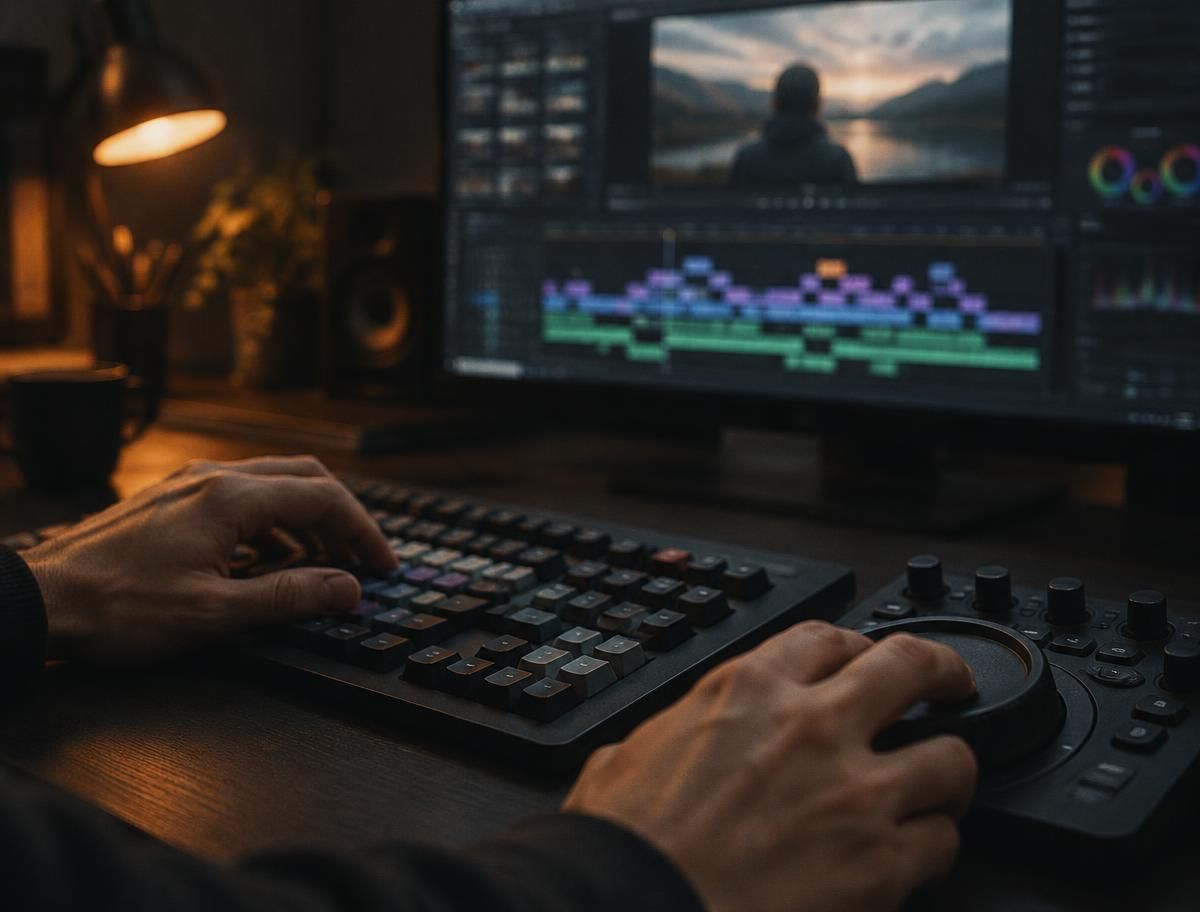
01What works
What these tools handle well
- Cutting
- Cuts on speech, kills the silences, builds a rough assembly.
- Cleaning up
- Removes things, masks, tracks, upscales.
- The look
- Matches colour, relights, pushes a style.
- Making shots
- New shots from a line of text or a still, and extensions.
None of them check whether the shots still match each other.
02What breaks
Where a cut comes apart
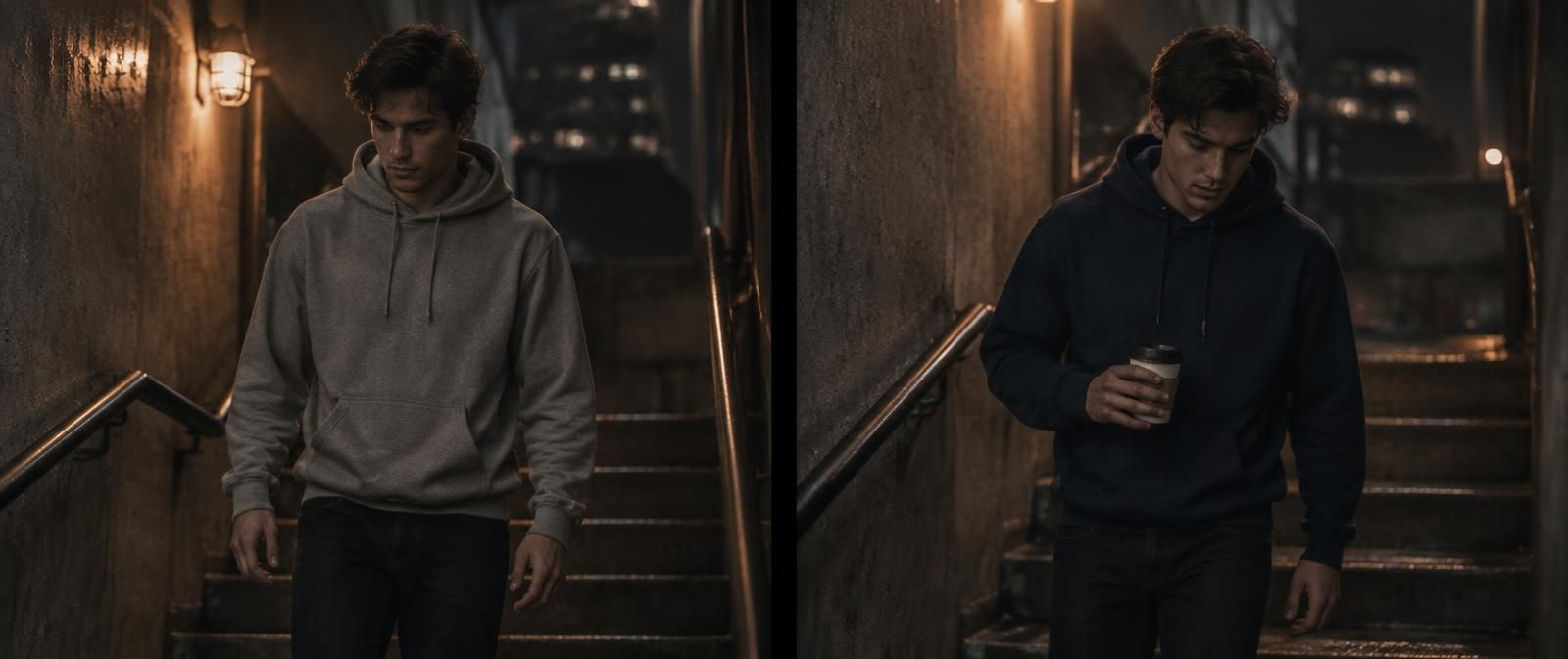 Shot 03 · 0:14Shot 04 · 0:17
People are the expensive ones to get wrong, so they have their own page: keeping a character consistent across shots.
03The fix
From a complaint to something useful
Telling you something is wrong is just moaning. So each one is written as an instruction, always in the same order, leaving everything else in the shot alone.
- 01The shot and the time
- 02What is on screen
- 03What was set earlier, and where
- 04Whether anything in the story explains it
- 05What to change, naming the frame to match
Shot 12, 0:41 to 0:46. Maya's jacket is brown and open here. It was established as a dark green wool jacket, buttoned, in shot 3 at 0:09, and it stays that way through shot 11. Nothing in the story motivates the change. Edit shot 12 so the jacket matches shot 3: dark green wool, buttoned. Use the frame at 0:09 as the reference. Leave the framing, the camera move and everything else in the shot as it is.
04The research
People have studied this
MSEditor (arXiv 2608.17559) fixes one character across several shots in a single pass, which is what you want when the same drift shows up three shots in a row. VideoArgus (arXiv 2608.05485) decides what it is checking before it looks, and so does the check here: a fixed list of details for every person, prop and place, set before the clip is read. Order Matters (arXiv 2608.10908) and TimeCatch (arXiv 2608.23474) show how easily video models get fooled, which is why every call here comes with its frames.
Questions
Common questions
Can AI edit videos?
Bits of it, yes. It cuts on speech, strips out the silences, tracks and masks things, relights, upscales, captions, matches colour, and makes whole new shots. What it does not do is promise the result hangs together. A generated shot can happily contradict the one before it and never notice.
How do you edit with AI without breaking continuity?
In passes. Let the tools do the boring mechanical work. Make the actual decisions yourself. Then go through the finished cut and check everyone and every room against the first time you saw them, and rebuild only the shots that went wrong.
How do you fix a continuity error in a generated shot?
Start from the frame where the person, the garment or the prop looked right. Attach it, change only the thing that broke, keep the framing and the camera move. Then check the new shot against that same frame. Every note this tool writes is that instruction, ready to copy.
What can AI do in an edit that people cannot?
Hold the whole cut in its head at once. It will compare one collar across forty shots against the first clear look at it, without getting tired, which is exactly the job that gets skipped the day before delivery. It still shows its work: every call comes with the two frames and how sure it was, so you can check it in a second.
Keep reading
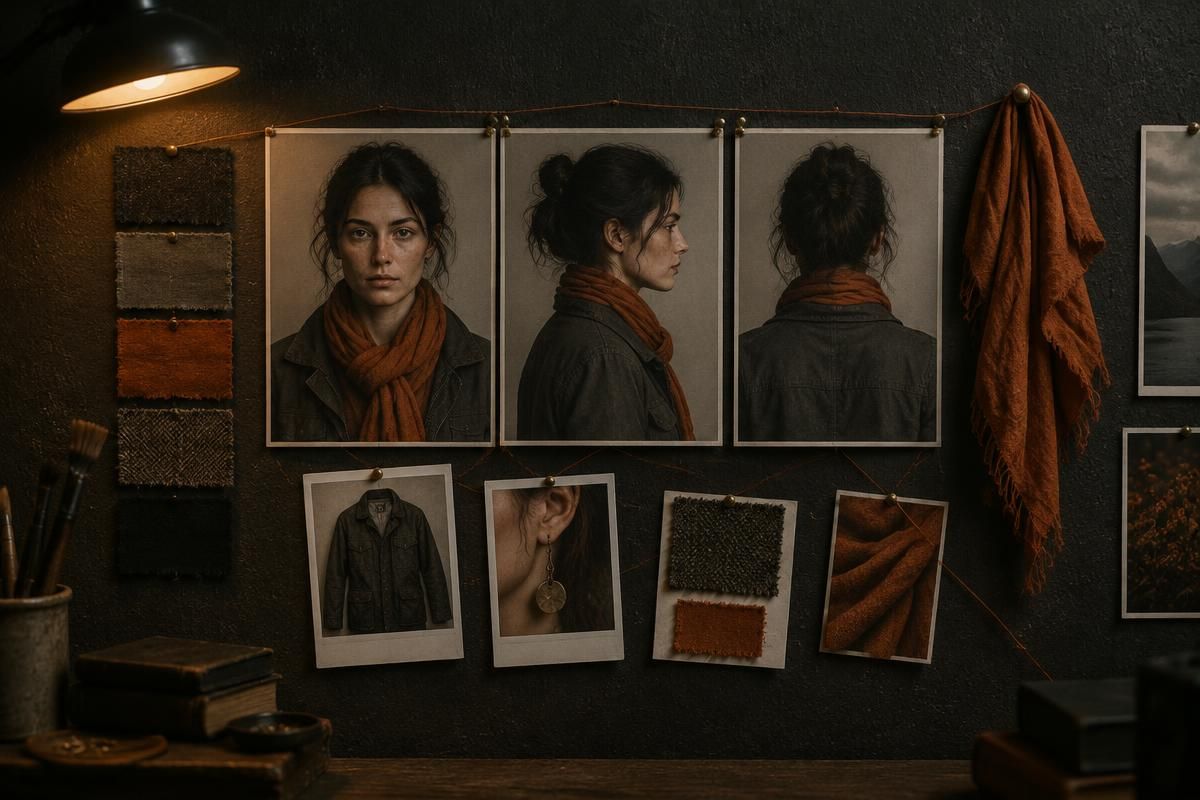
Character consistency
Why people drift across shots, and what holds them in place.
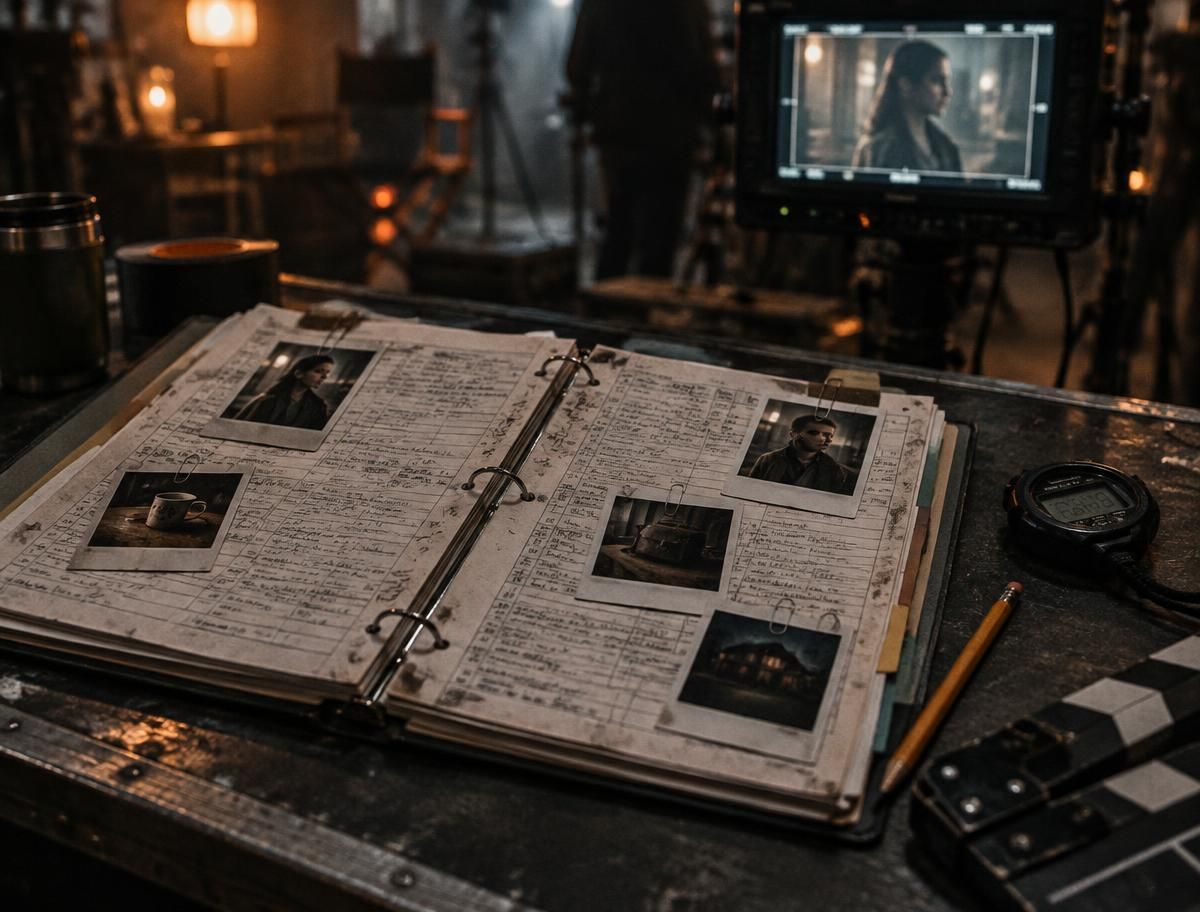
Continuity errors
Eight kinds of mistake, famous examples, and why they keep happening.
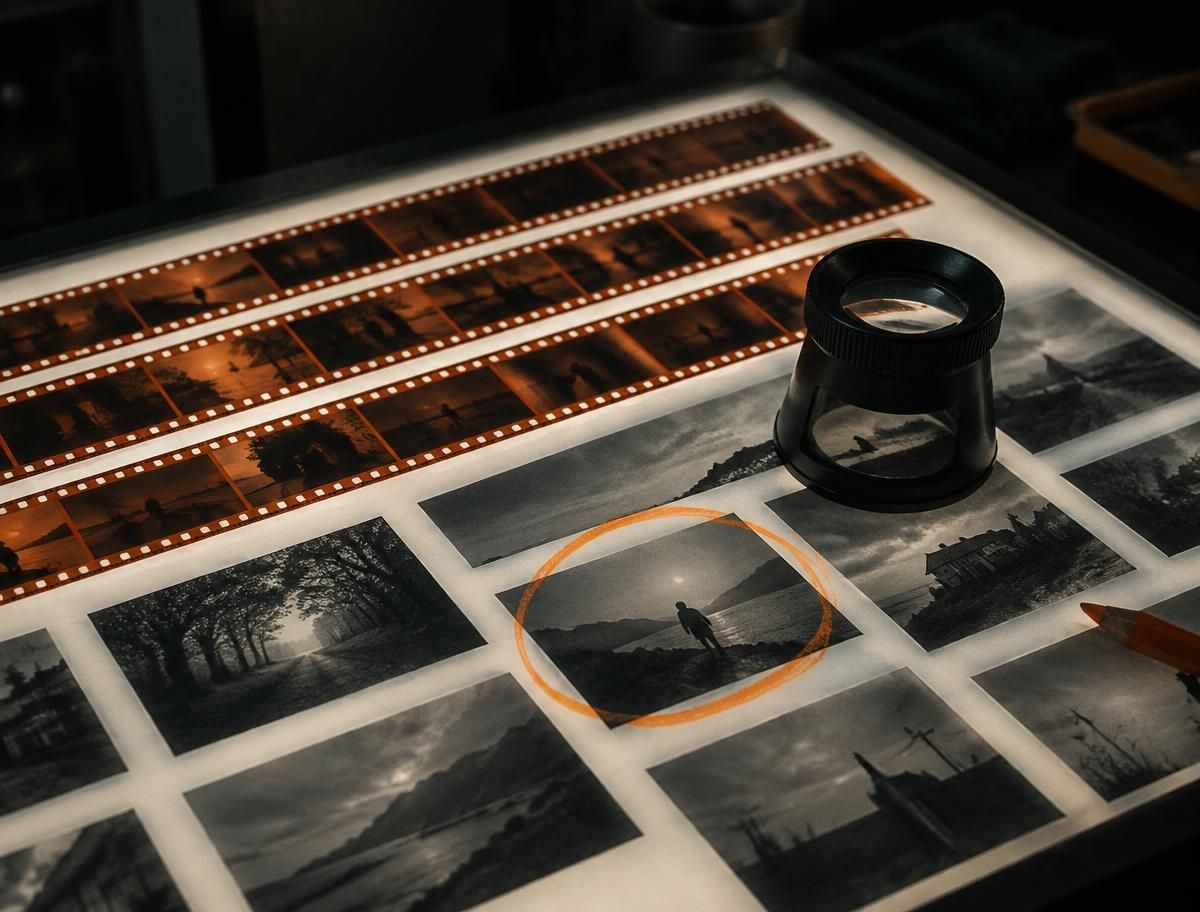
How the analysis works
Every step from upload to report, and where the score comes from.
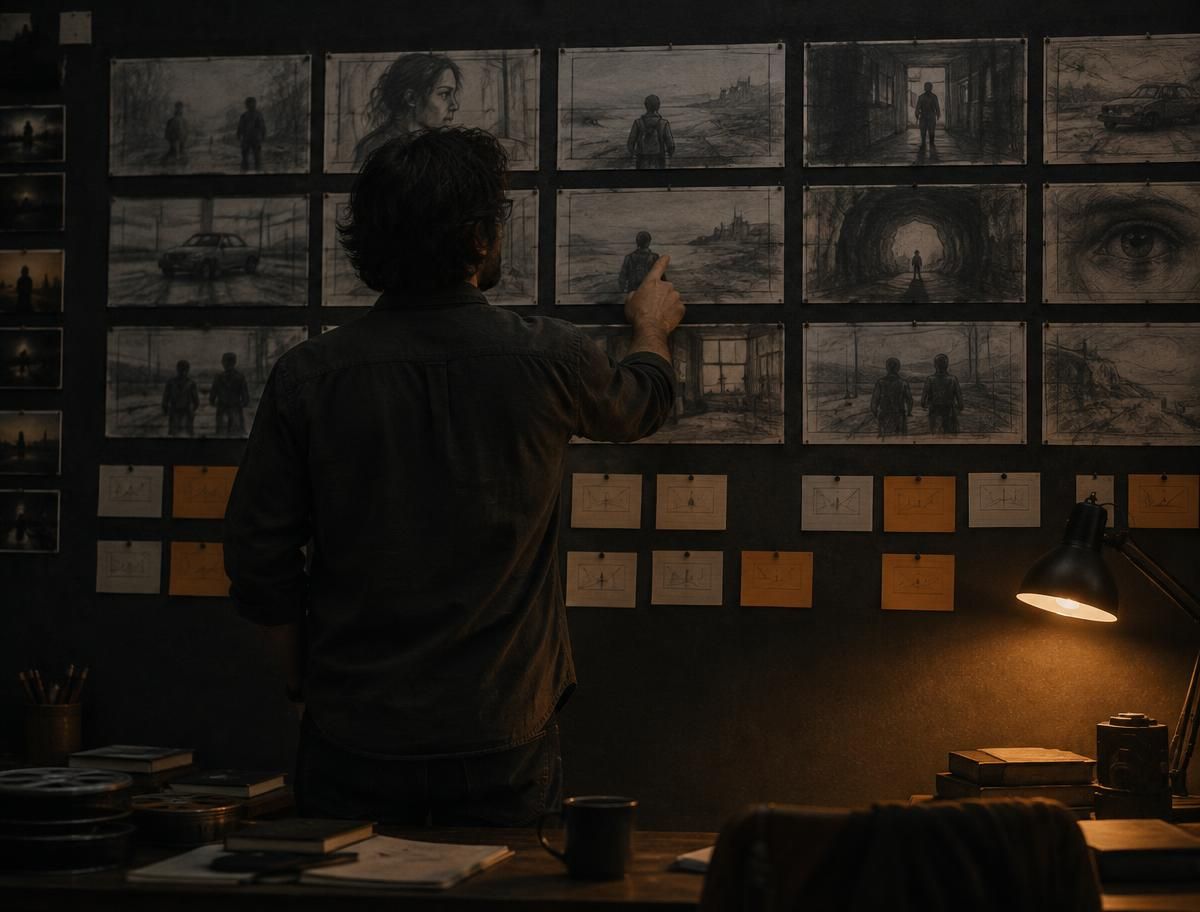
Continuity guide
A working order for keeping a long generated cut consistent.
Do this before you send it
Run the finished clip through once before anyone else sees it. The report comes back in a few minutes for most clips.