Keeping the same person the same person
Here is where it usually goes, what keeps it in place, and how to check your own clip.
01Where it breaks
Where it usually goes wrong
 Shot 01 · 0:02Shot 06 · 0:29
- The face
- It softens, the jaw moves, the hair gets longer.
- The clothes
- A collar changes colour, a zip disappears, a watch swaps wrists.
- What they hold
- The cup moves hands, the bag is gone, the phone is a different phone.
- Which way they face
- Suddenly the room does not make sense any more.
- The whole look
- A drawn character comes back looking like a photograph.
02The reference
Go back to the first shot, not the last one
Check each shot against the one before it and the mistakes quietly add up. Check every shot against the first clear one and they do not.
One reference per person, garment and prop. Everything later gets held up to it.
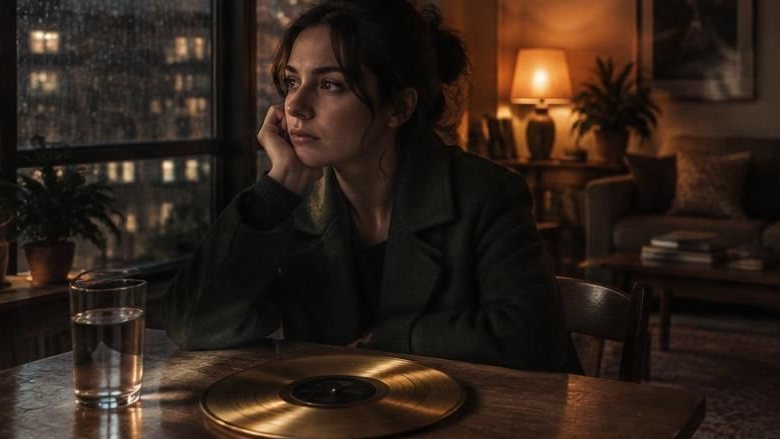 Reference
Shot 02 · 0:08 · first clear look
Shot 03 · 0:13Matches
Shot 04 · 0:21Matches
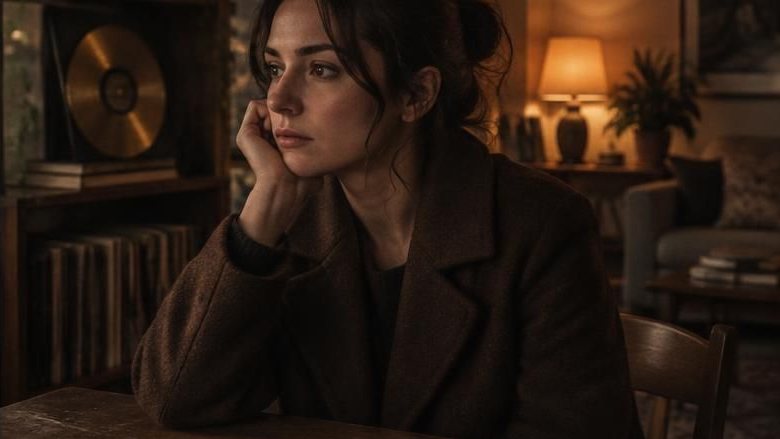
Shot 05 · 0:314 breaks
Shot 07 · 0:44Matches
03The habits
What keeps them in place
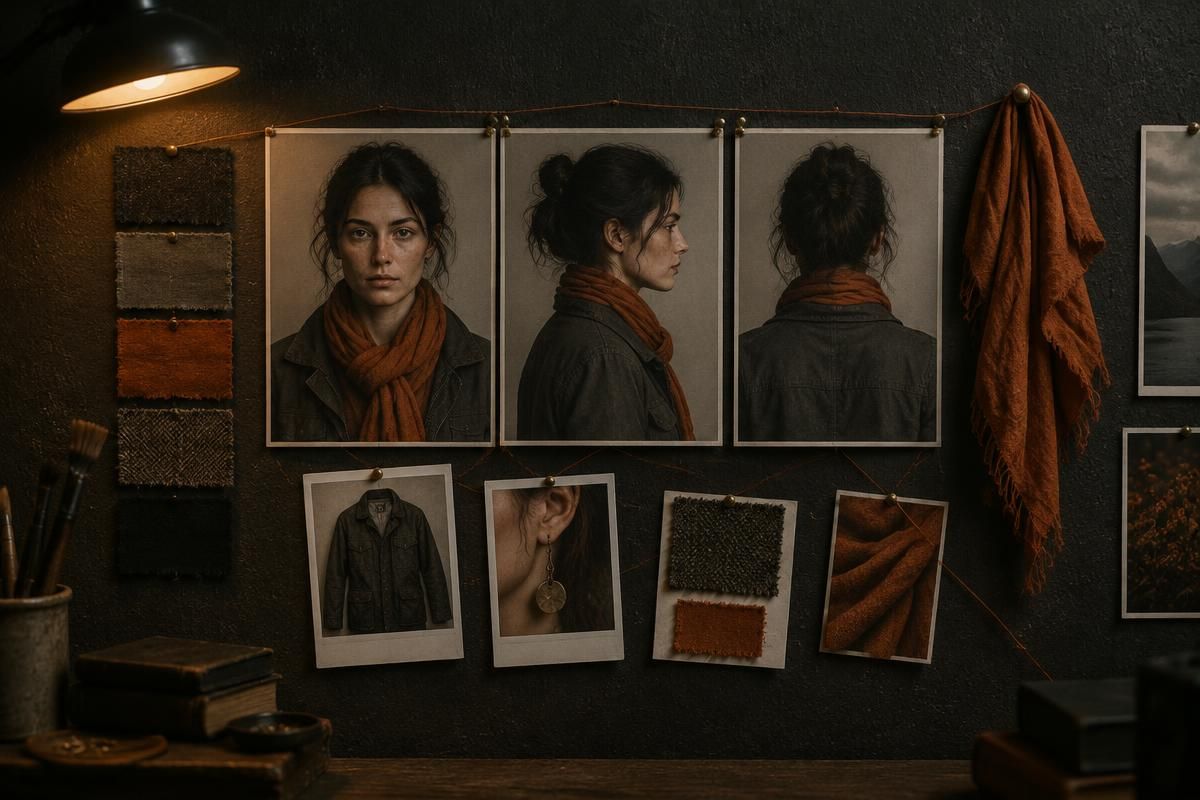
- 01
One character page, reused word for word. Face, hair, build, every garment, everything carried.
- 02
Compare each new shot with the first good one, never with the shot before it.
- 03
Attach pictures, not only words, and use the same pictures for the whole thing.
- 04
Name the clothes properly. "Dark green wool jacket, buttoned" has fewer ways to go wrong.
- 05
If something changes on purpose, write it into the shot and carry it forward.
- 06
Regenerate the one shot that went wrong, with the reference attached. Not the whole sequence.
04The research
People have studied this
PersonaShot (arXiv 2608.16717) went through about a thousand multi-shot segments with sixteen things to check per person. The check here works the same way, from a fixed list of details set before the clip is read. SEAM (arXiv 2608.22725) remembers what each person was wearing from shot to shot and gets a lot more right for it, which is the idea behind holding everything to its first clear appearance. MSEditor (arXiv 2608.17559) fixes a character across several shots in one move, which is the shape a repair wants to be.
Measuring this is hard. In TimeCatch (arXiv 2608.23474) the best video model noticed two swapped frames 57 percent of the time, where a person got it 75 to 92. So most of the work here goes into what the model is given and how it is asked. Sharp stills from your original go in with the clip so it can read an earring. The room gets its own read. The model fills a fixed form and never picks the score. And every problem comes with the two frames, so you never have to take its word for it.
05The fix
What you get for each one
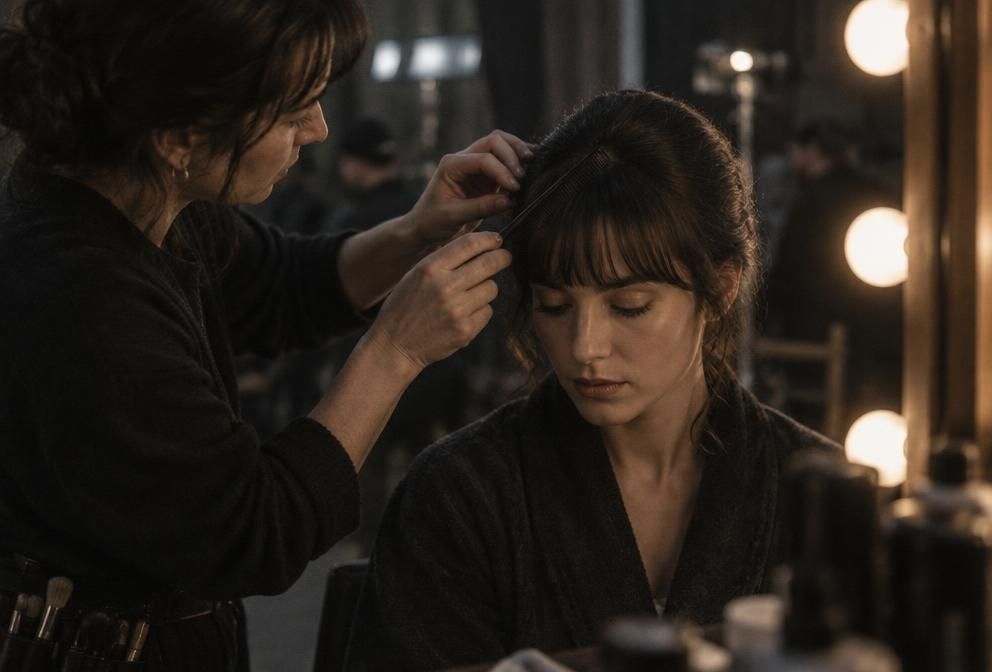
Shot 06, 0:29. Her gold earring is gone and the rust scarf is now a grey check. Both were set in shot 01 at 0:02 and nothing in the scene explains the change. Regenerate shot 06 with the earring and the scarf from the frame at 0:02. Keep the framing and the light as they are.
- Match
- Shot 01 · 0:02
- Change
- Shot 06 · 0:29
Copy the fix into your next generation, or press Fix this shot under it in the report. One of the best frontier video editing models redraws that shot against the reference frame, and an automatic check makes sure the face still belongs to the same person. Fixing a character, step by step.
Questions
Common questions
How do you make a consistent AI character?
Decide who they are before you generate anything. Write one page: the face, the hair, the build, every piece of clothing with its colour and whether it is buttoned, and anything they are carrying. Attach the same reference images to every shot and reuse the exact same words. Then check each result against the first shot you were happy with, not against the shot before it. Even with the same prompt and the same references, it drifts.
Why does my character change between shots?
Usually one of three things. You generated each shot from the one before it, so small errors stacked up. You reworded the prompt somewhere along the way. Or something changed on purpose in one shot, she took the jacket off, and you did not tell the next shot about it, so it guessed.
Can a video model keep a character consistent across a whole episode?
Inside one short generation, usually yes. Across separate generations and across cuts, no. Faces, clothes, things in hands, sometimes even the whole look of the thing wander often enough that you have to check before you show it to anyone. The benchmarks below measure this and nothing is close to a person yet.
How do you check consistency without watching frame by frame?
Compare every later appearance with the first clear one, detail by detail. The check here does that across the whole clip in one sitting. It sets a reference for every person, prop and place, checks nineteen named details on each later appearance, from the parting in someone's hair to which hand holds the cup, and shows you the timecode with the two frames side by side.
What do I do once something turns up?
Each one comes with a note you can use: the shot, the time, what it sees now, what it saw before and where, whether the story explains it, and what to change, naming the frame to match. Copy that into your next generation, or copy the whole lot at once.
Keep reading
Fixing characters
A face, a sweater or a pair of glasses that changed between shots.
Continuity errors
Eight kinds of mistake, famous examples, and why they keep happening.
How the analysis works
Every step from upload to report, and where the score comes from.
Continuity guide
A working order for keeping a long generated cut consistent.
Check it instead of hoping
Throw the clip in and every character is tracked from their first clear appearance to their last. You get a score, marks on the timeline, the two frames that disagree, and a note per problem.